







PORTFOLIO 2026
产品设计作品集
Complex systems / AI workspaces / Enterprise SaaS
Doris Yeung / 杨婷婷PRODUCT DESIGNER / 产品设计师
PORTFOLIO 2026
产品设计作品集
Complex systems / AI workspaces / Enterprise SaaS
Agent Workspace / Product & Launch Design
2026
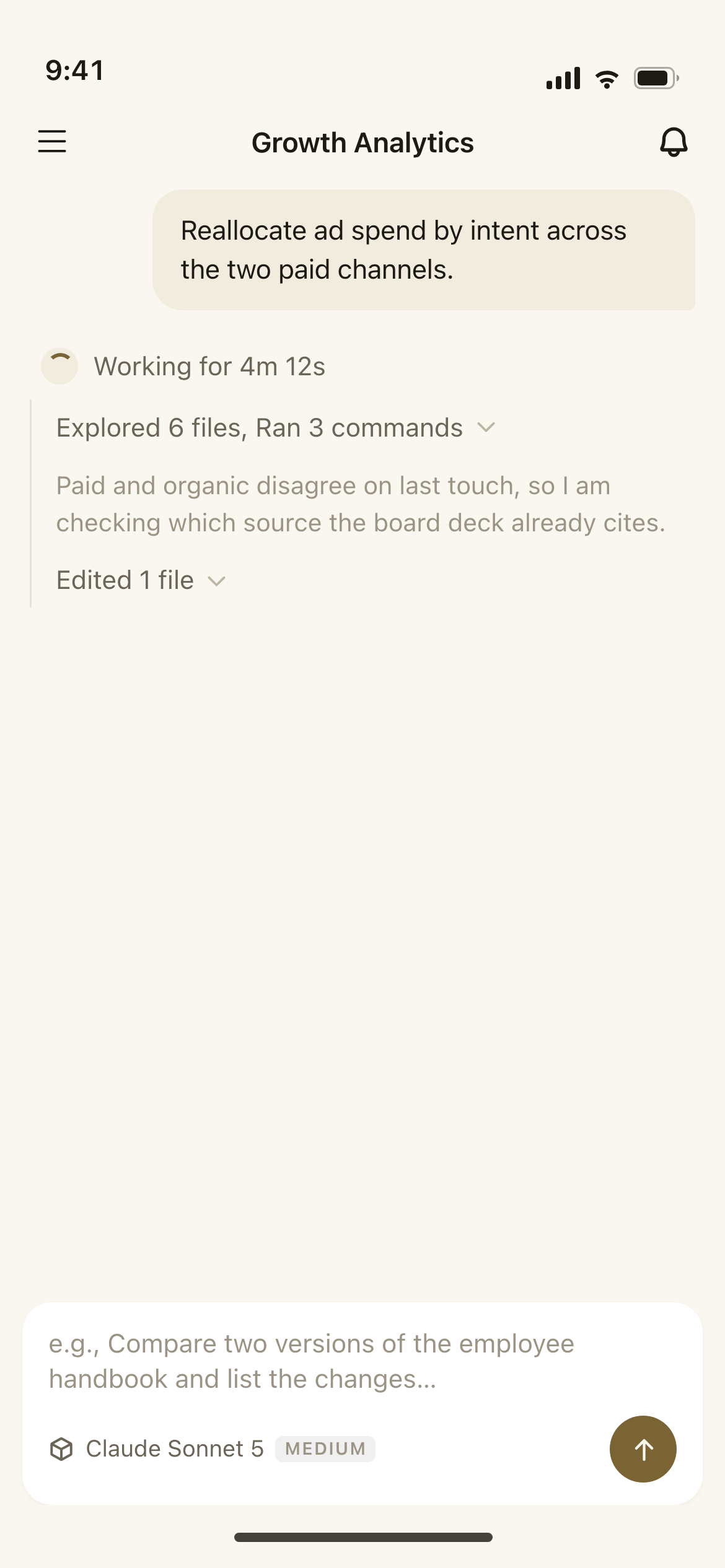
Buda connects Agent tasks, sandboxes and cloud Drive. I contributed to product UI and web demos, and made the Remotion launch film
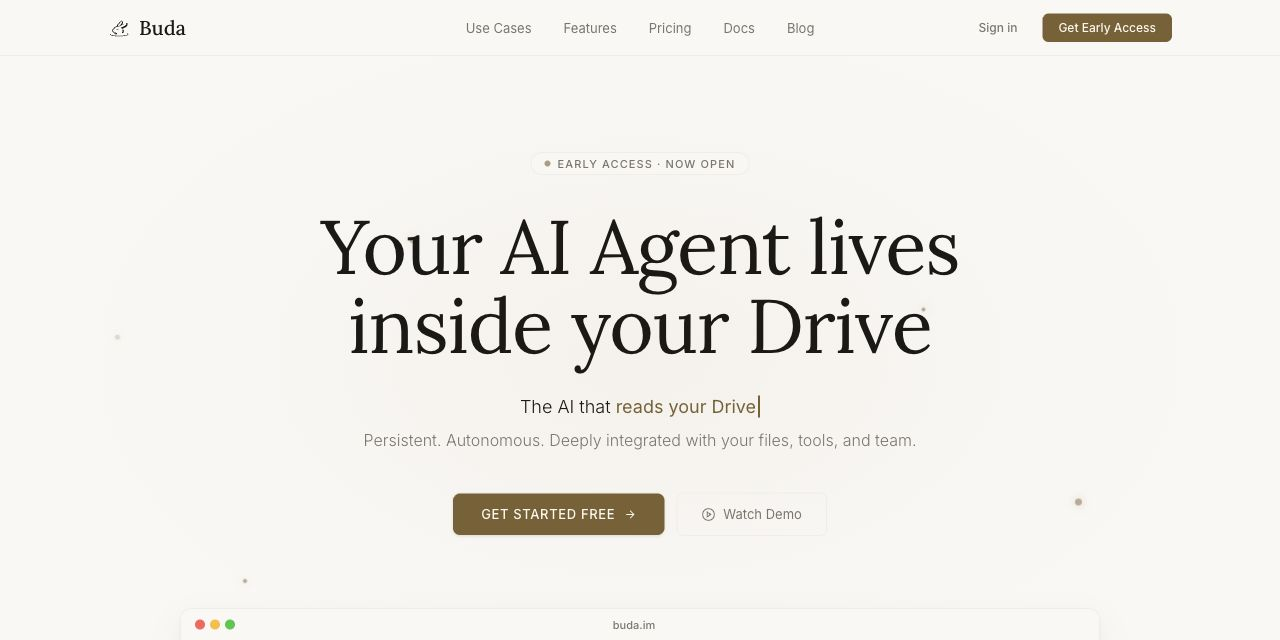
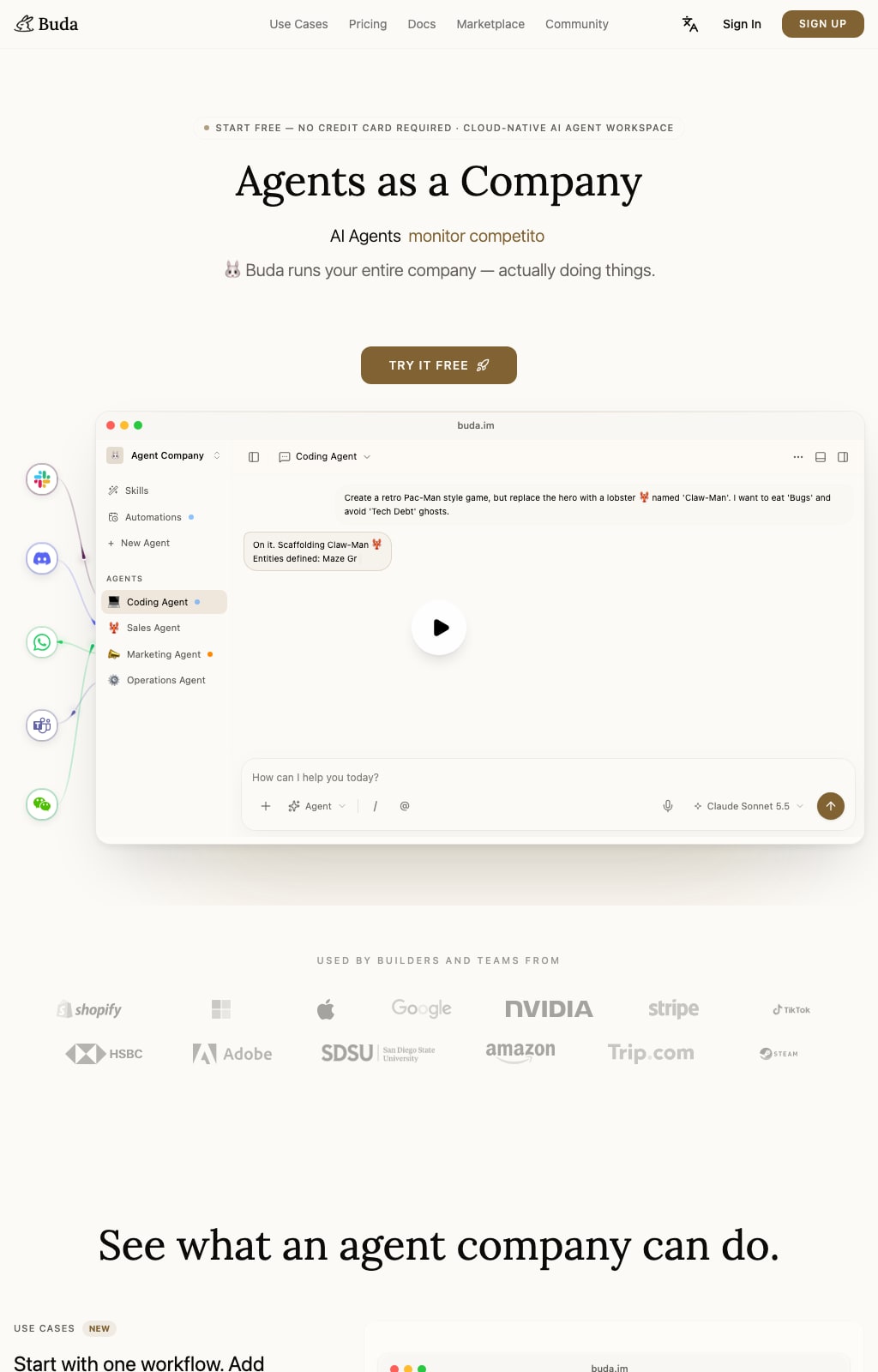
BUDA / LANDING PAGE
Led design and implementation of the Hero motion, scenario demos and Feature Mini UI to show how Agents plan, execute and deliver tasks, including responsive adaptation and release checks in five languages
Set the Hero claim, then arrange the supporting product evidence
Use the launch video to establish motion rhythm and visual style
Use real planning and tool states to define the components; peer products are reference only
Check progress, errors and handoff across responsive layouts and five locales
TradeoffReduce workbench detail for a short explanation; preserve real tasks, files and execution states so the Mini UI remains grounded in the product
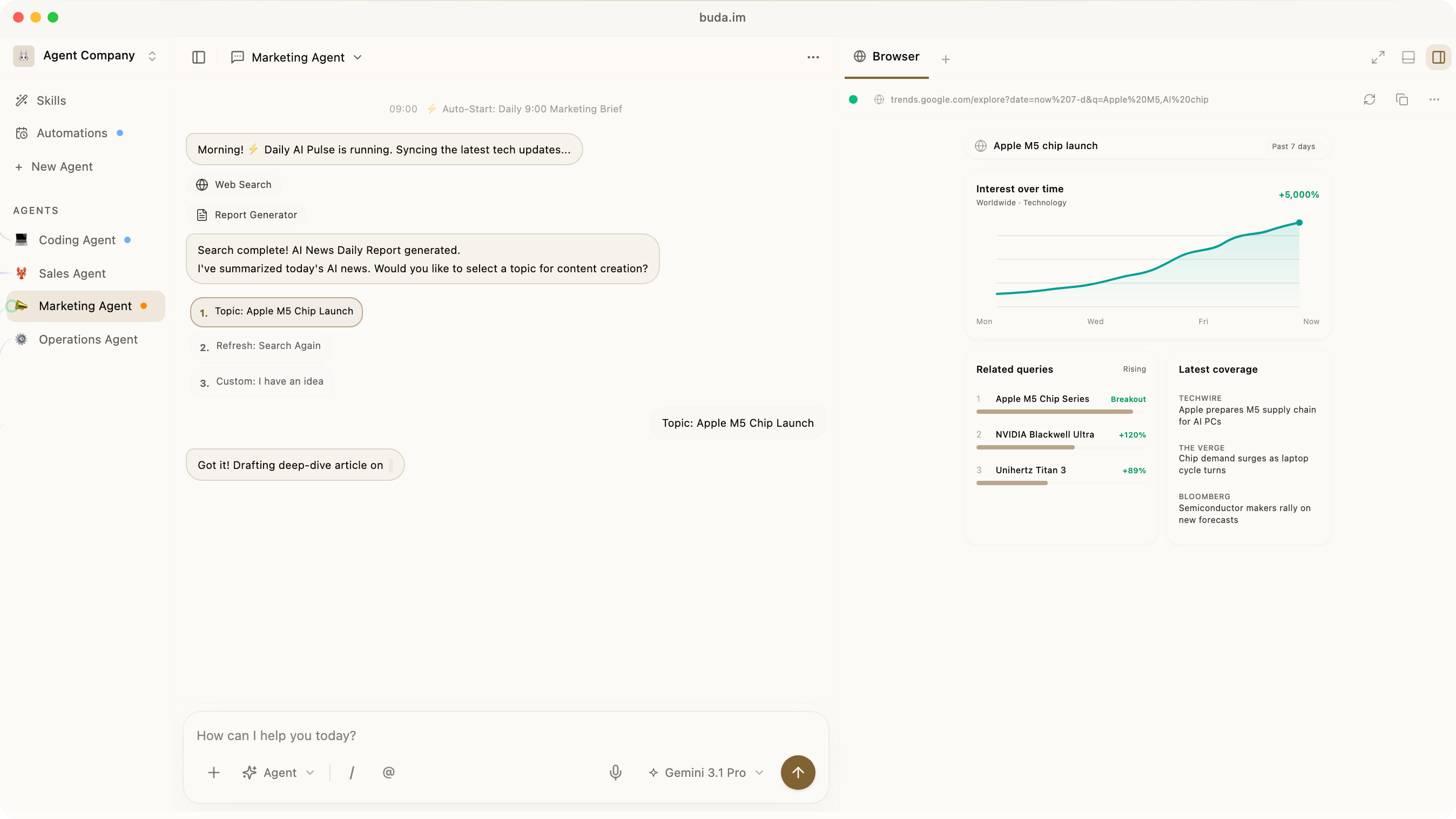
BUDA / MULTI-DEVICE · MOBILE · DESKTOP
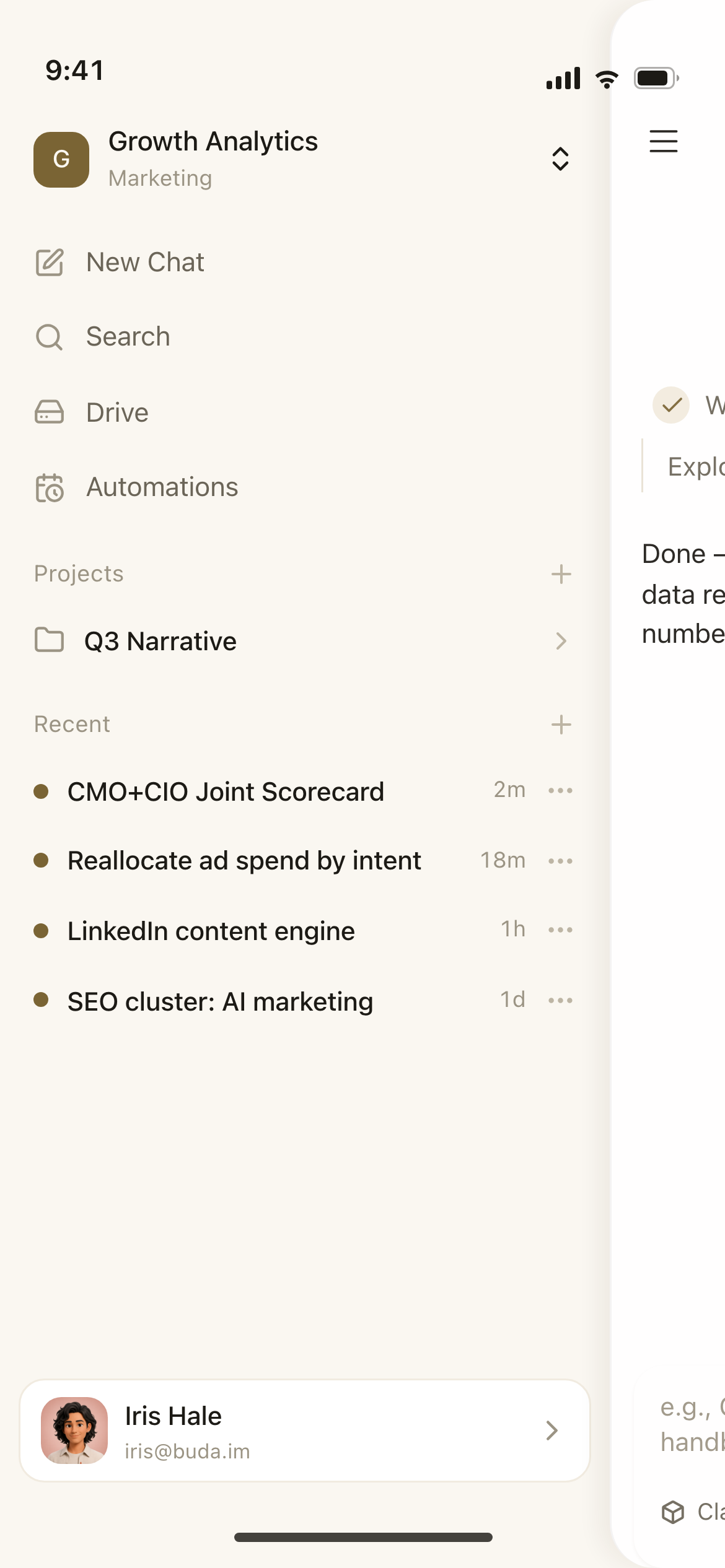
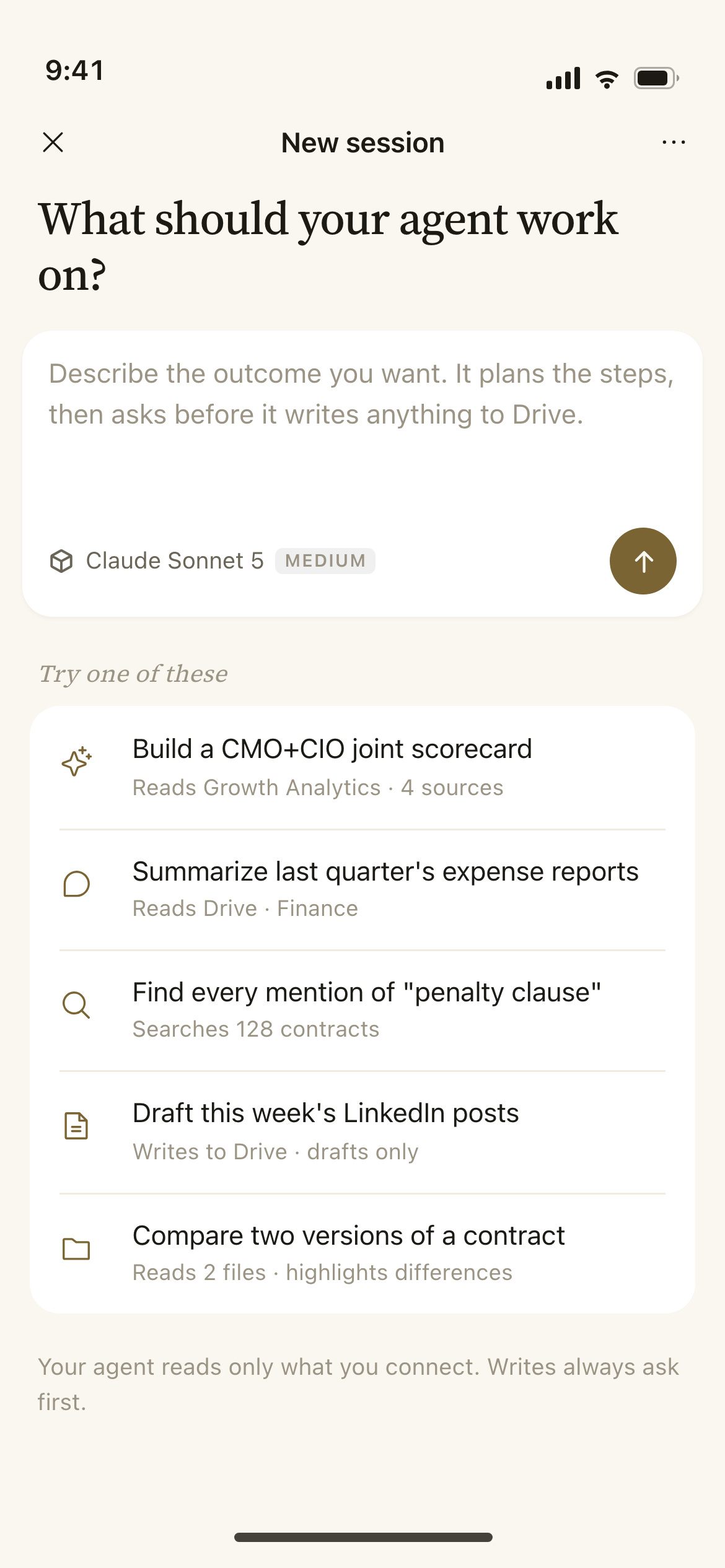
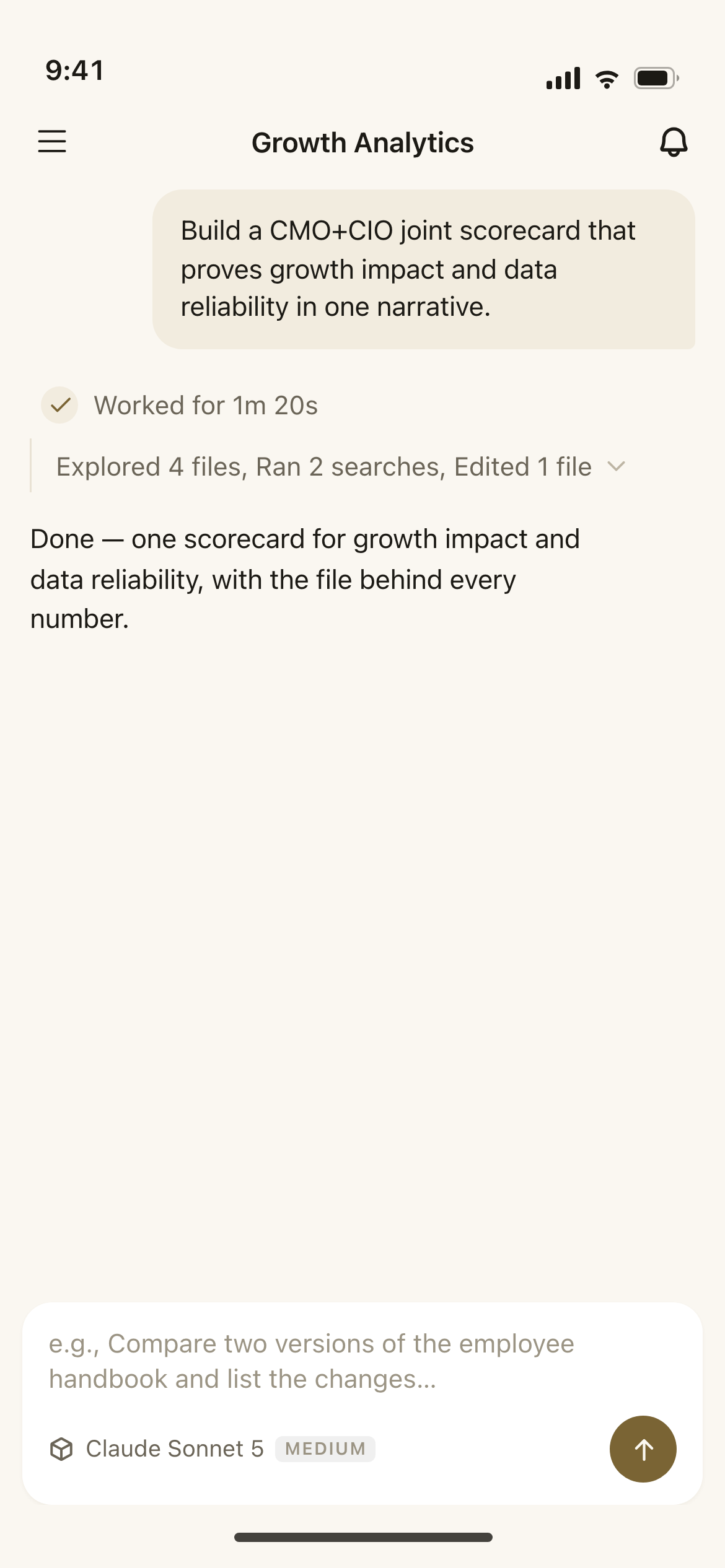
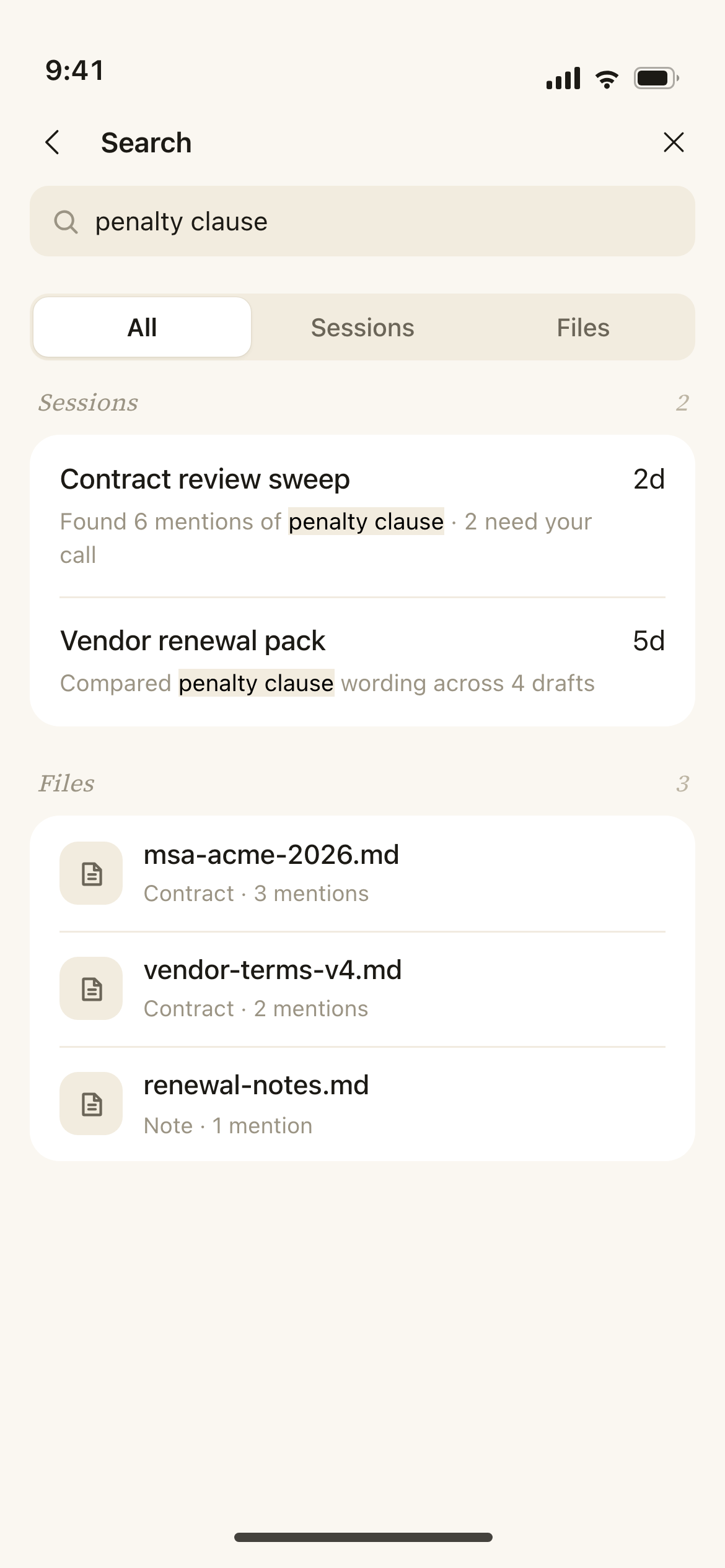
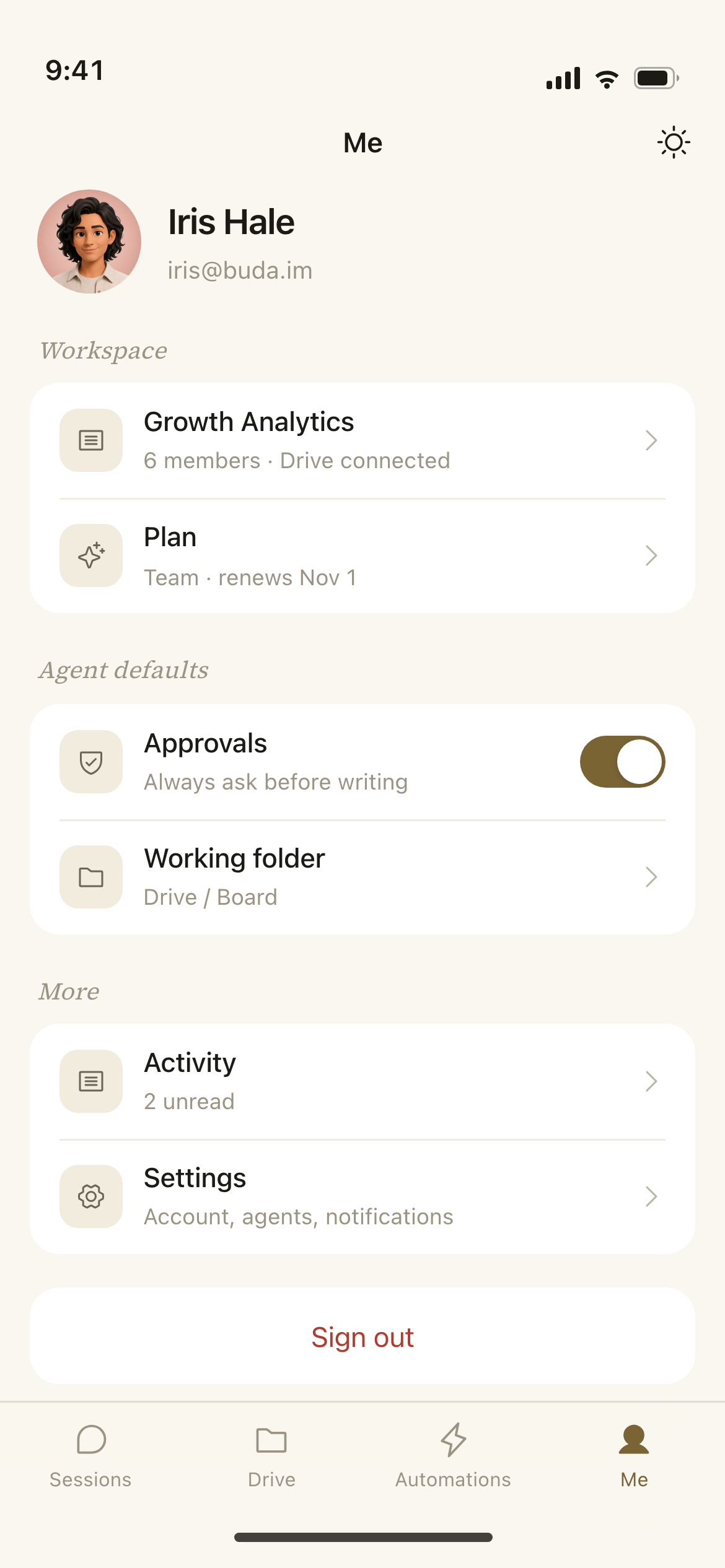
Desktop holds conversation, browser, terminal, Git and Drive in one workspace. Mobile is rebuilt for small screens; generated files return as cards
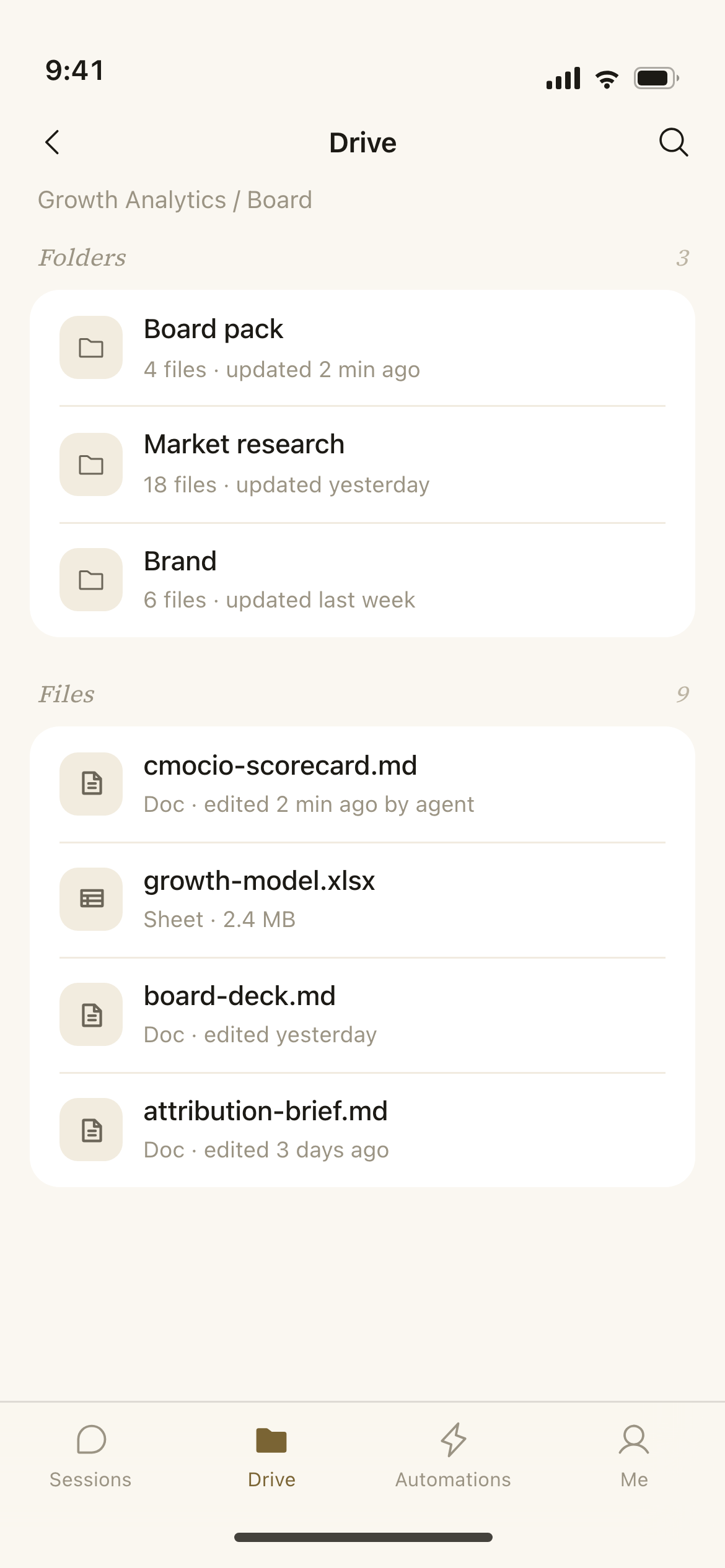
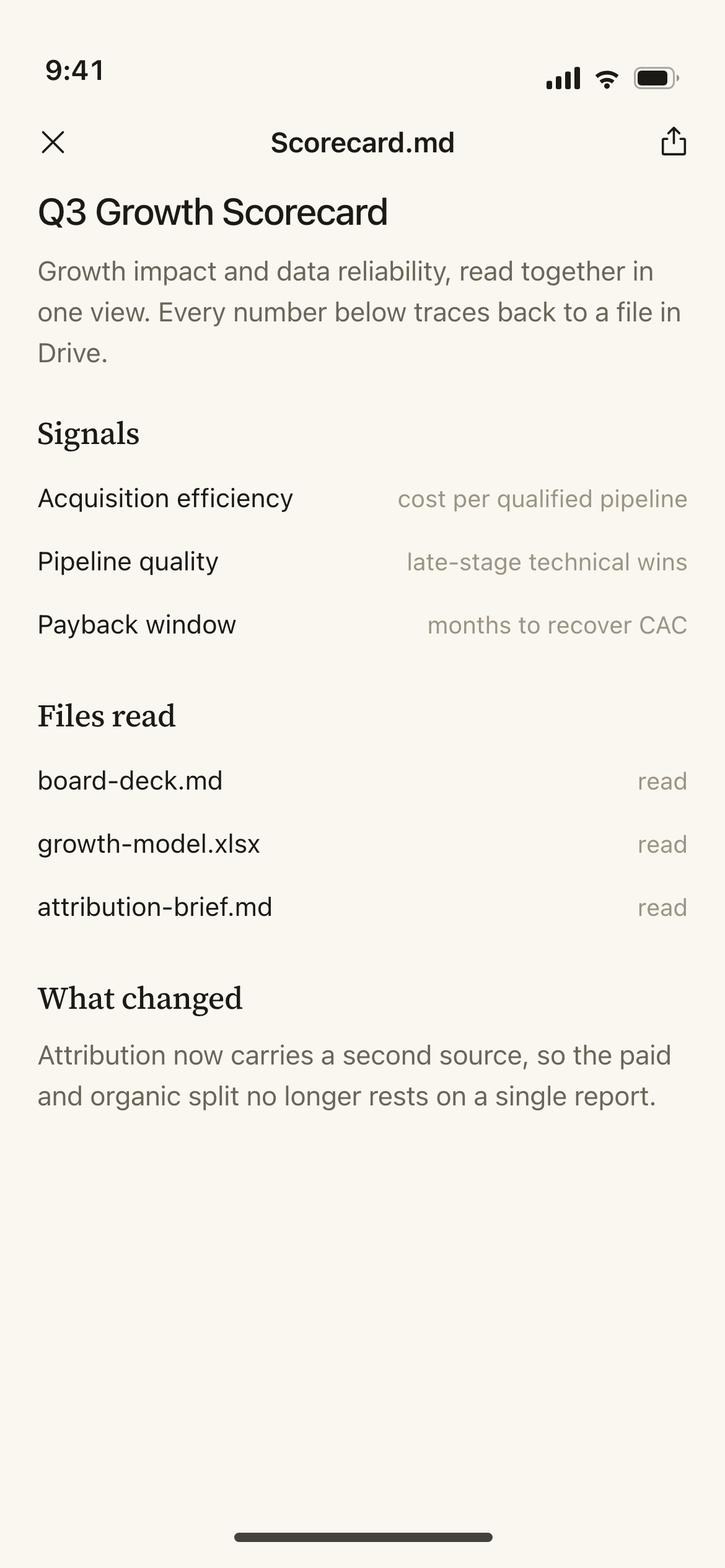
Both surfaces share session and file structure, tokens and component styles
BUDA / MOBILE APP
After starting a task on desktop, use the phone to check the same session, open generated files or add instructions for the Agent
Setup and debugging stay on desktop
BUDA / WEBSITE DESIGN
I designed the Hero motion and Mini UI, then implemented the frontend as a continuous, readable product story
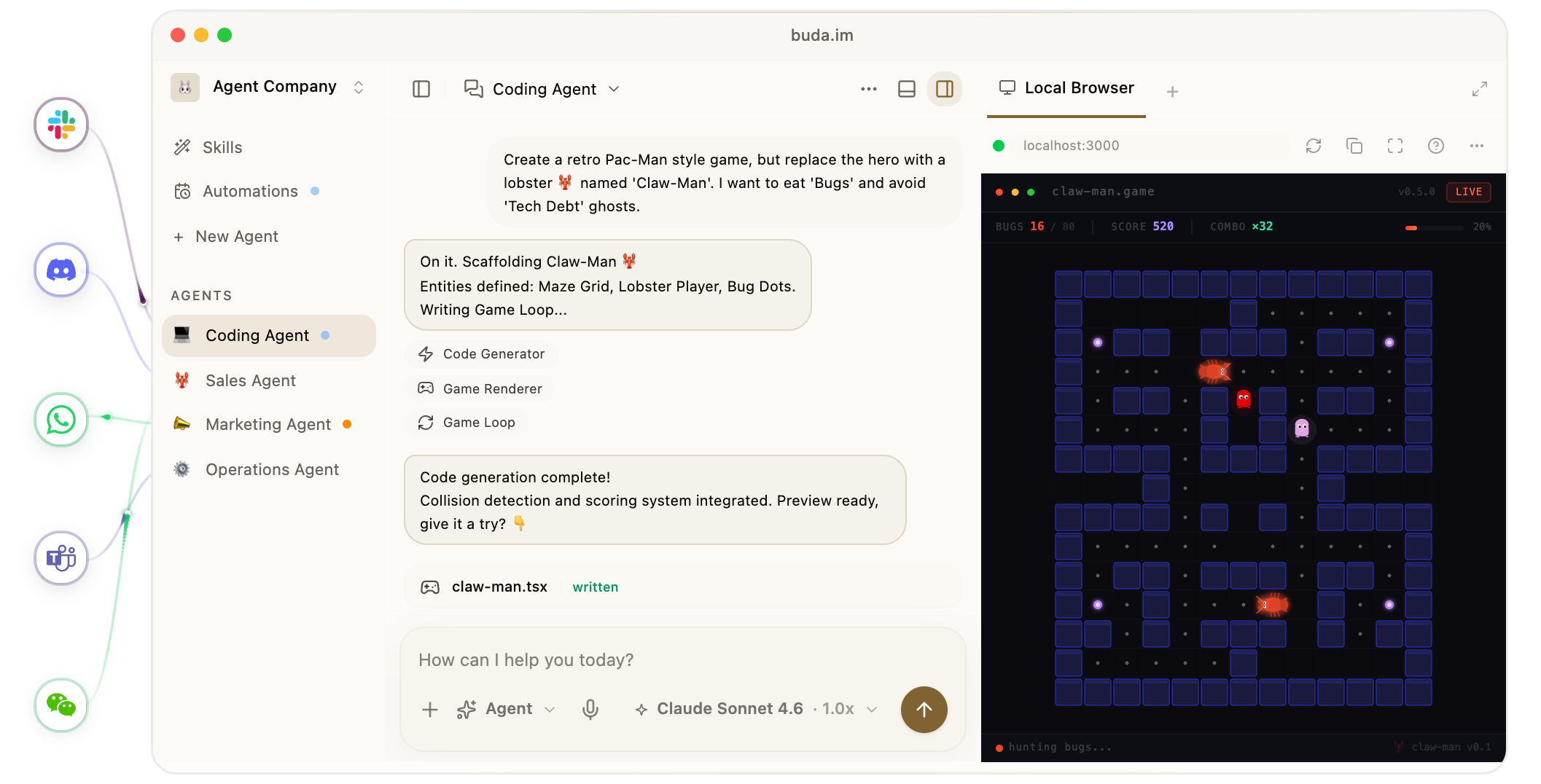
Stage input, execution and results as one readable story
Callbacks coordinate text, tools and preview components
Agent Content Library / Review & Launch
2026
Busabase stores agent outputs and prompts for reuse. I designed the brand page and review UI, and produced the bilingual launch film
BUSABASE / MOBILE + DESKTOP
Review key changes on mobile; inspect the full diff and review history on desktop.
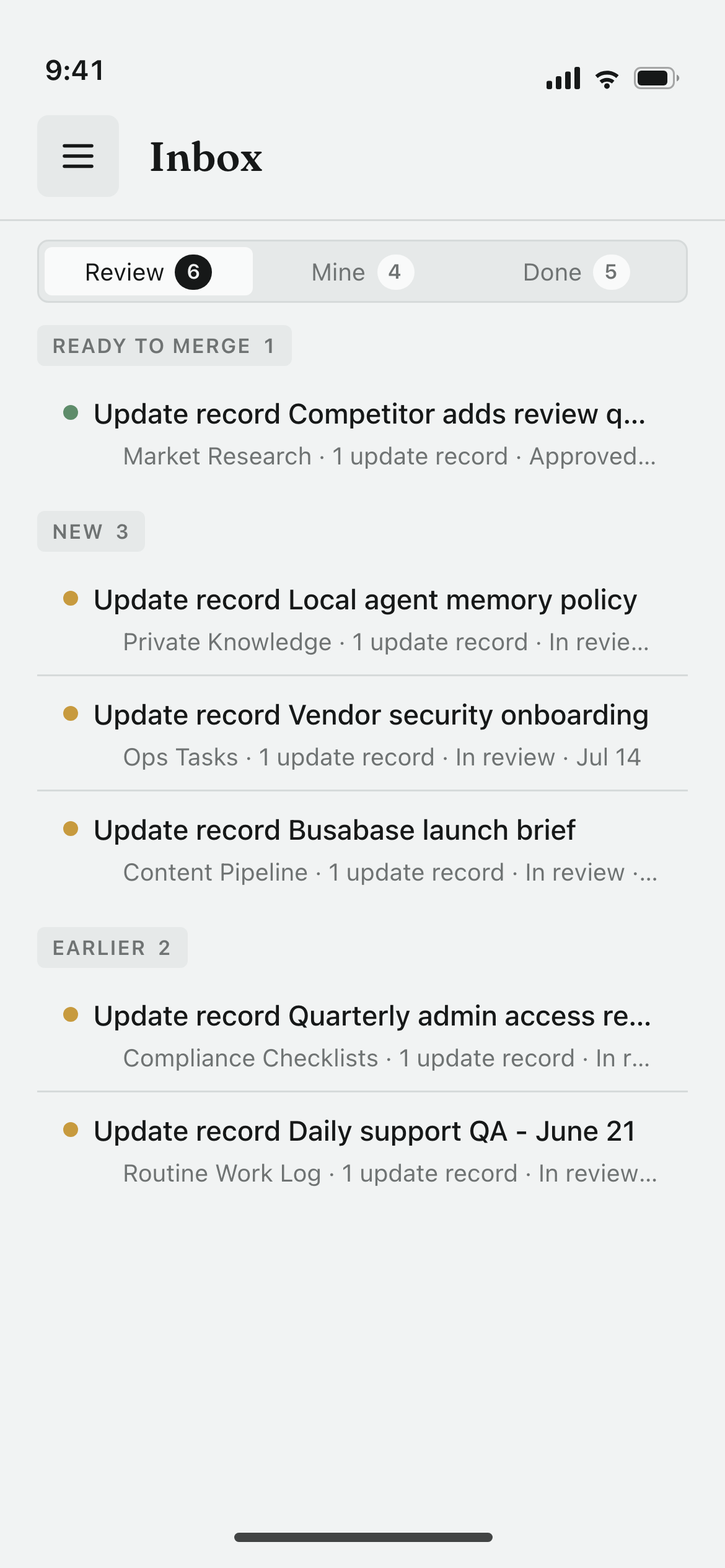
Inbox
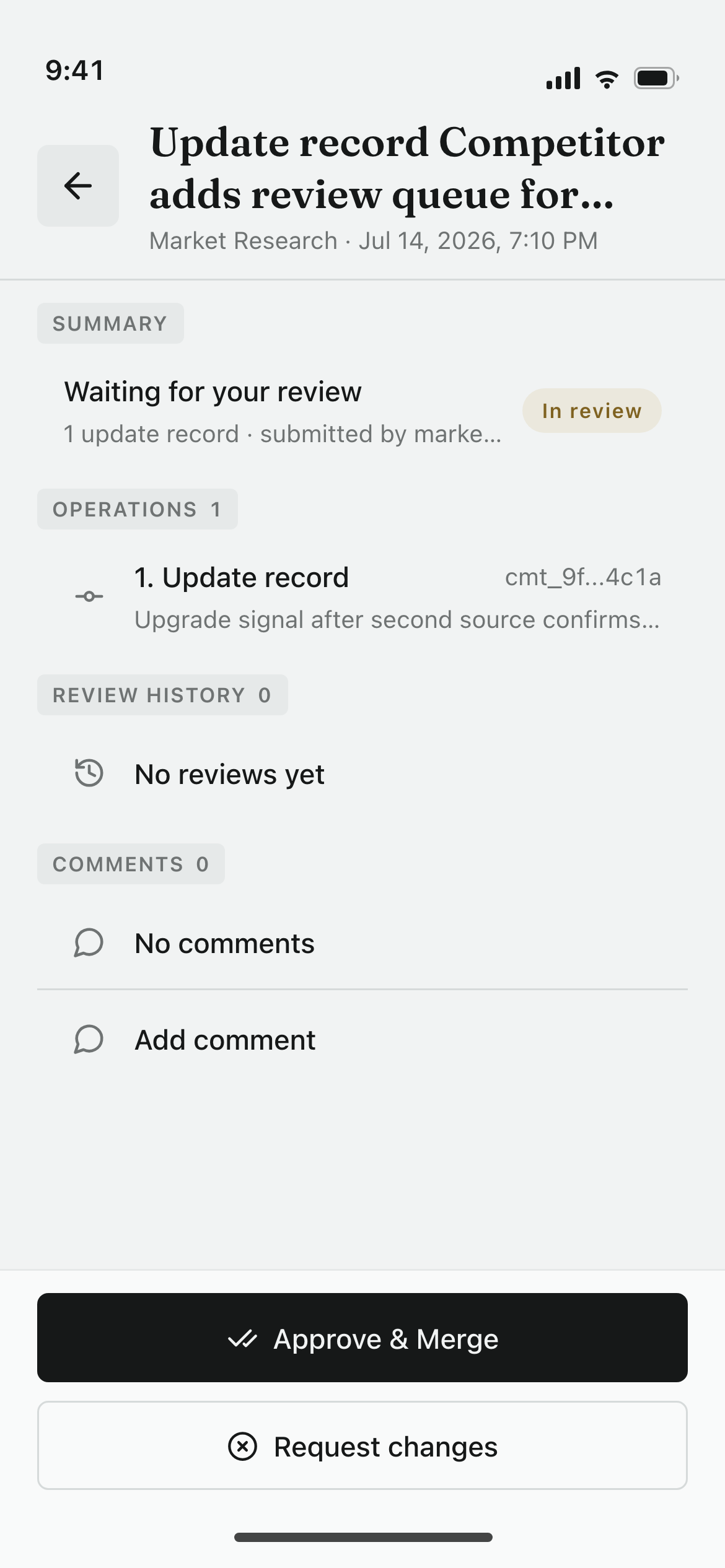
Change request
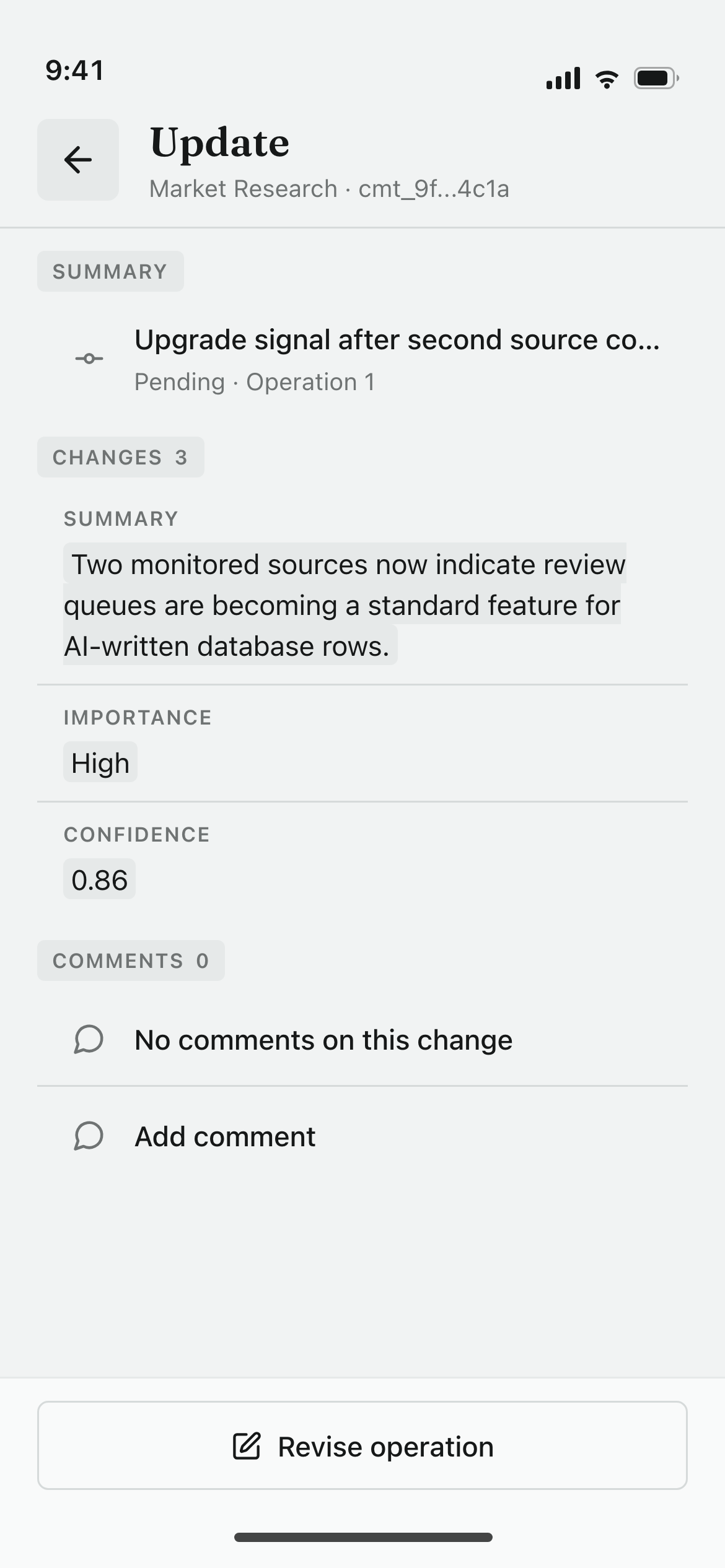
Field changes
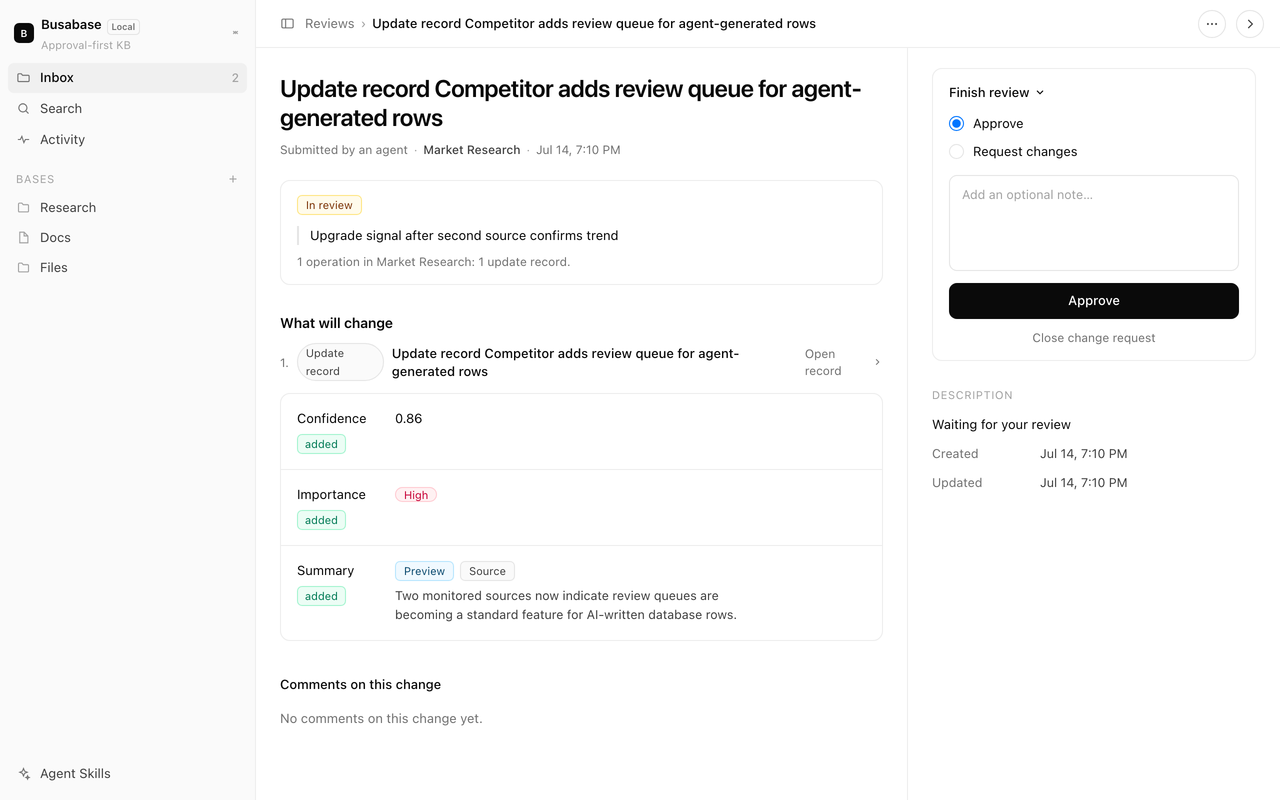
Full changes, description and review history
HYPERFRAMES / PRODUCT LAUNCH VIDEO
Busabase launch video in EN / ZH, with master and review cuts. AI supported HTML / GSAP; I owned narrative, continuity and frame QA


Find the video issue
At 8.307s in the video, source and target overlap for about 101ms, making a transformation look like duplication
Specify the shot correction
Keep one identity-bearing icon; reveal the row shell first and hand over the icon at the landing coordinate
Define the video recheck
Check icon overlap, landing and both video timelines frame by frame. Keep review recommendations separate from verified fixes
Global Developer SaaS / Product & Launch
2025
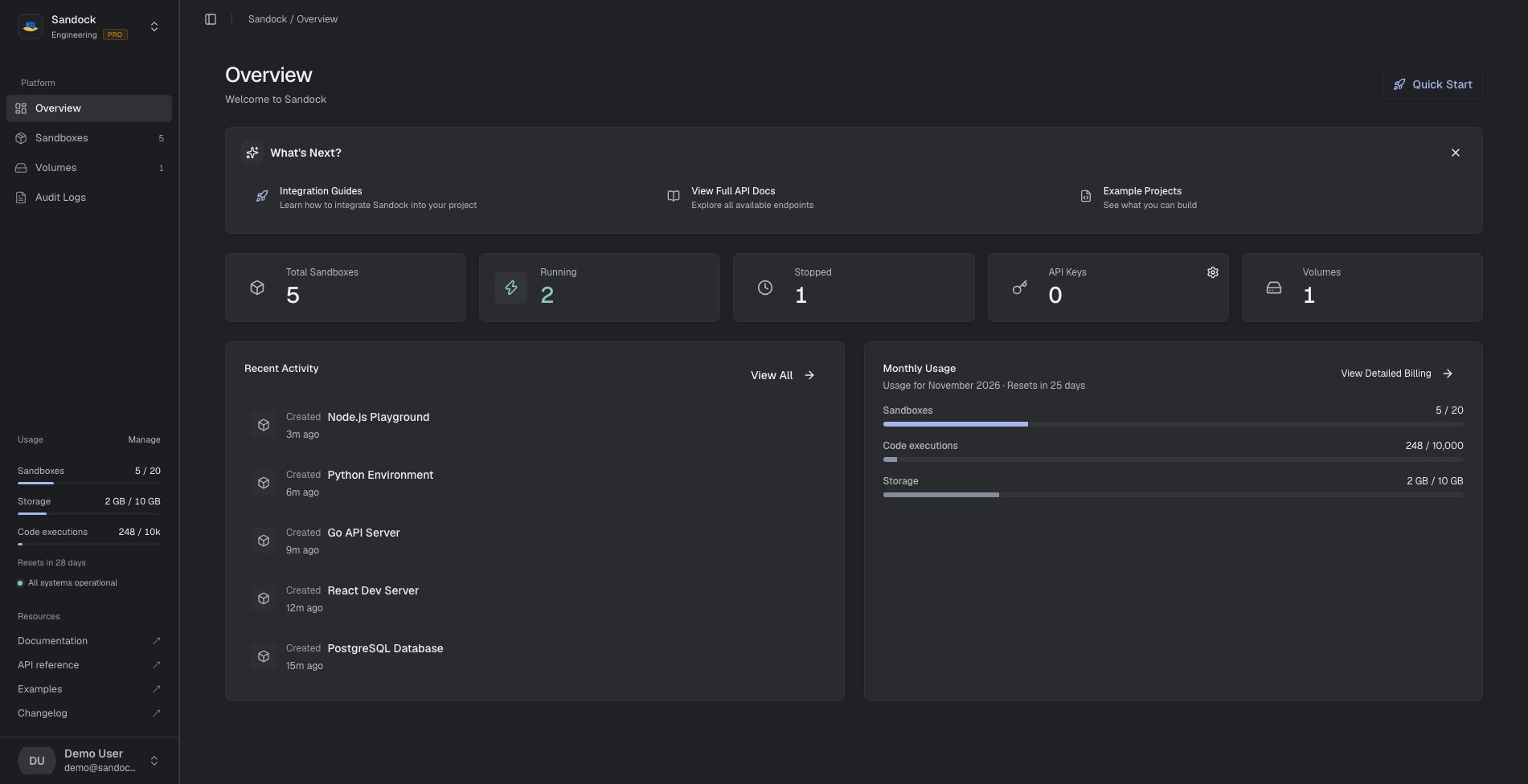
A cloud sandbox for AI code execution and MCP hosting. I designed onboarding, runtime states, recovery and billing, and helped build and launch the product
OVERVIEW / INFORMATION ARCHITECTURE
Guides, API docs and examples sit on the first screen.
Sandbox states, volumes and API keys share one view.
Usage, plan quota and billing sit in one place.
Data Product / Enterprise SaaS
2019-2026
APITable
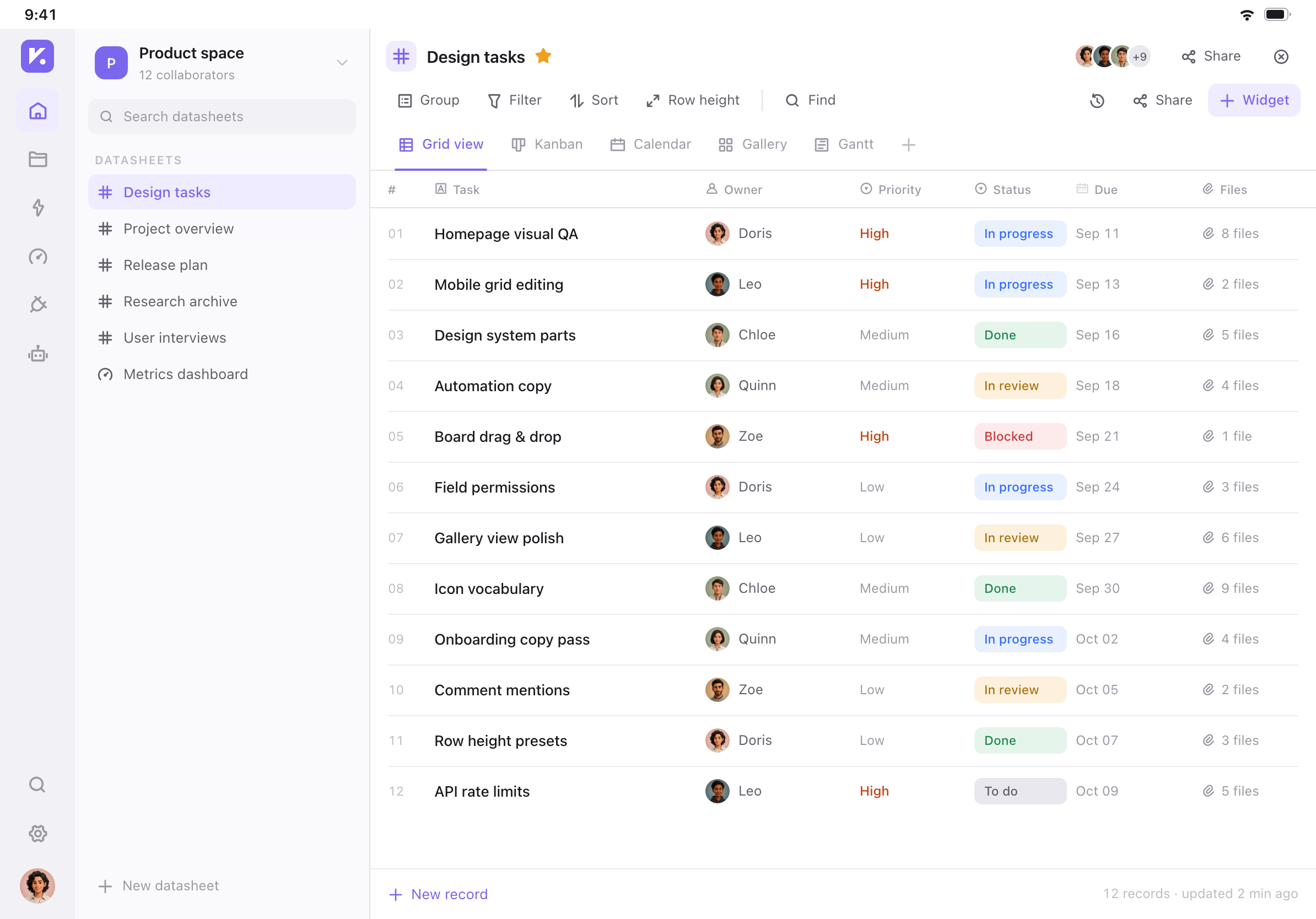
Vika uses fields, views and linked records over the same data. I joined early and helped design these core interactions
PRODUCT EVIDENCE / DATA MODEL
Give each column a type and options so similar data follows consistent input rules
Switch views over the same data without maintaining separate copies
Link records across tables to reduce repeated data entry
| Title | Option | Attachment | Linked record | ||
|---|---|---|---|---|---|
| 1 | Synthesize interview insights | Planned | Research repository | ||
| 2 | Test field language | In progress | Field taxonomy | ||
| 3 | Multi-view navigation | In progress | View patterns | ||
| 4 | Starter task template | Done | Template library | ||
| 5 | Map member permissions | Planned | Member directory | ||
| 6 | Validate linked fields | In progress | Data model | ||
| 7 | Publish template space | Done | Release plan | ||
| 8 | Review formula fields | In progress | Quality checks | ||
| 9 | Archive delivery checklist | Done | Delivery project | ||
PRODUCT EVIDENCE / AUTOMATION
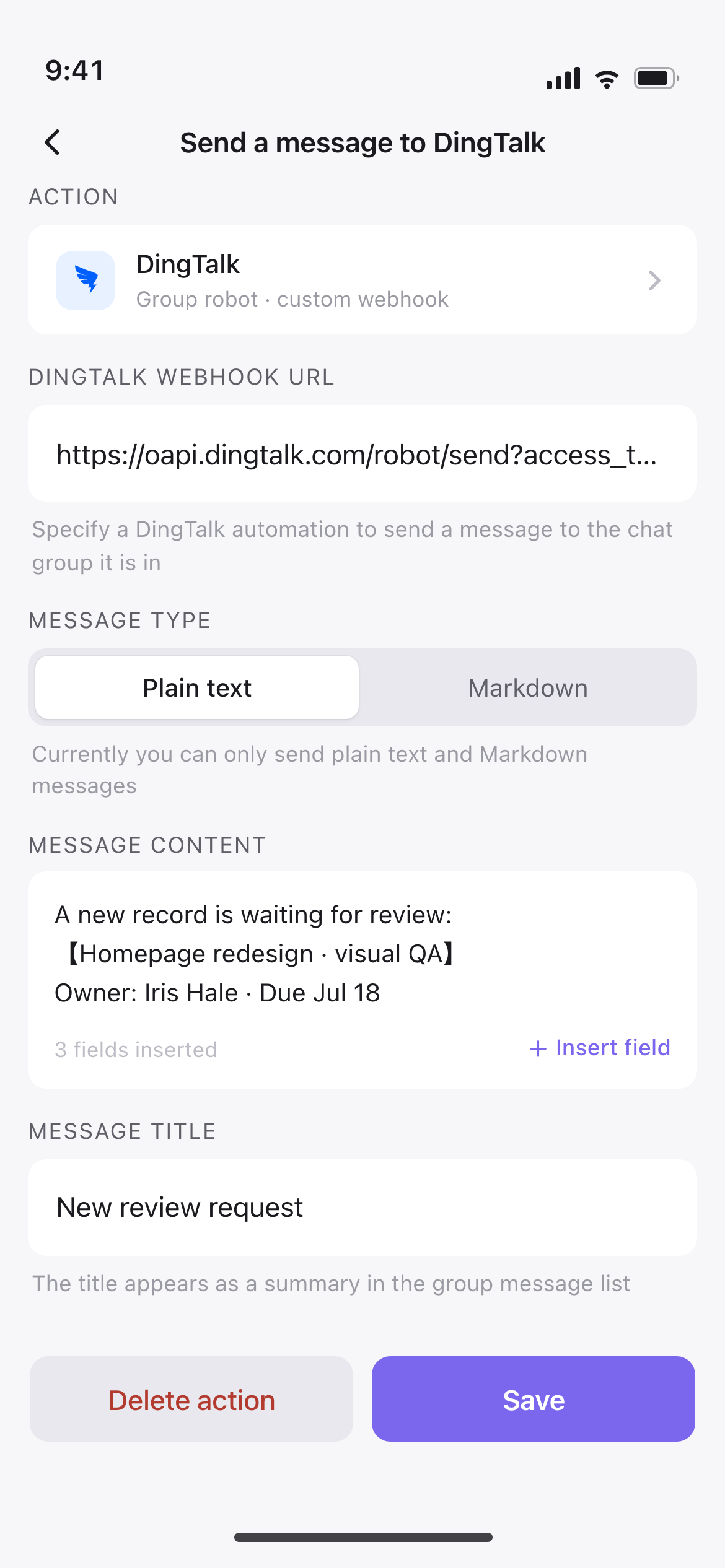
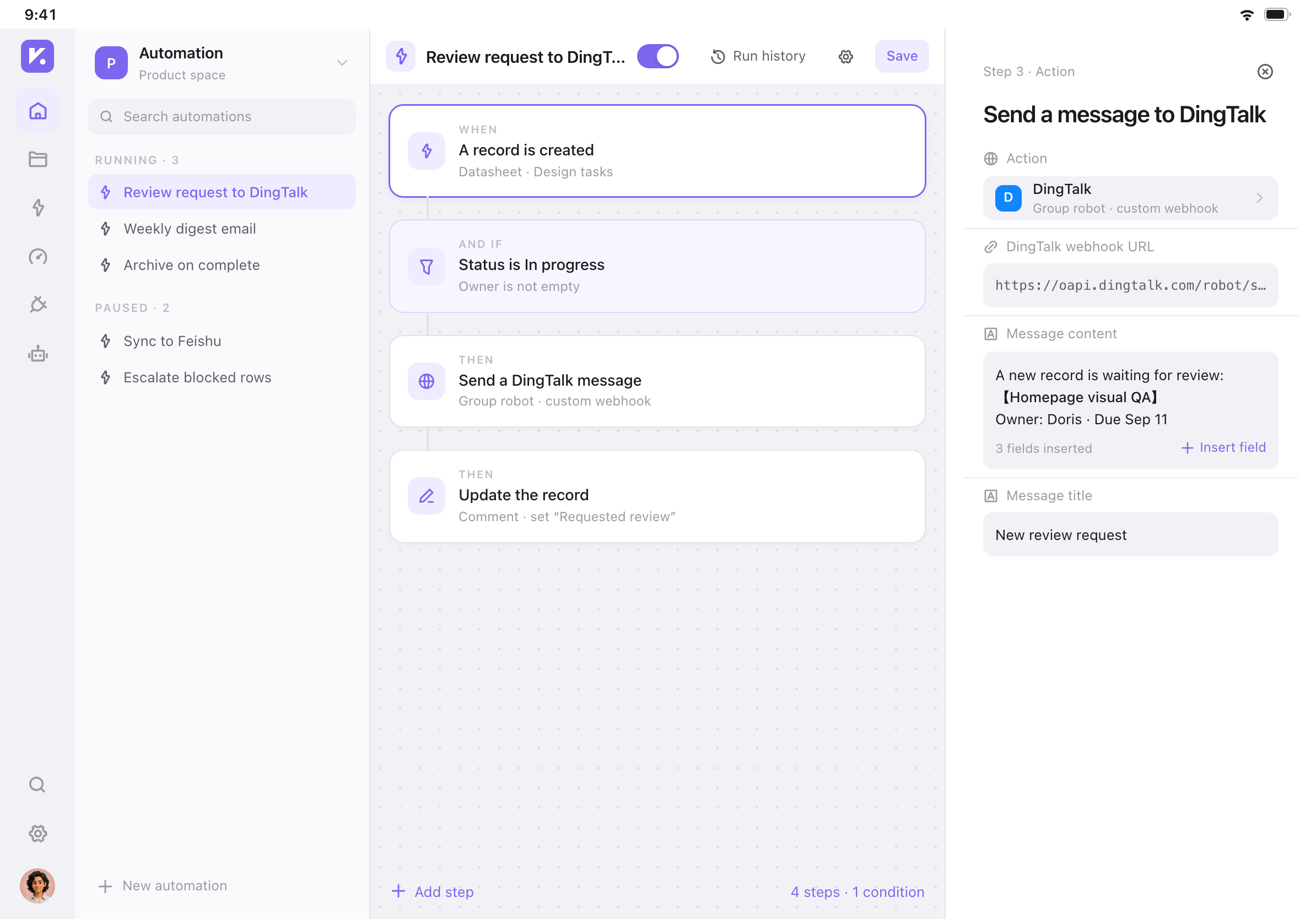
Grouped entry points and files on the left for quick access. Kept the full flow in the center and step settings on the right, so configuration does not cover the canvas
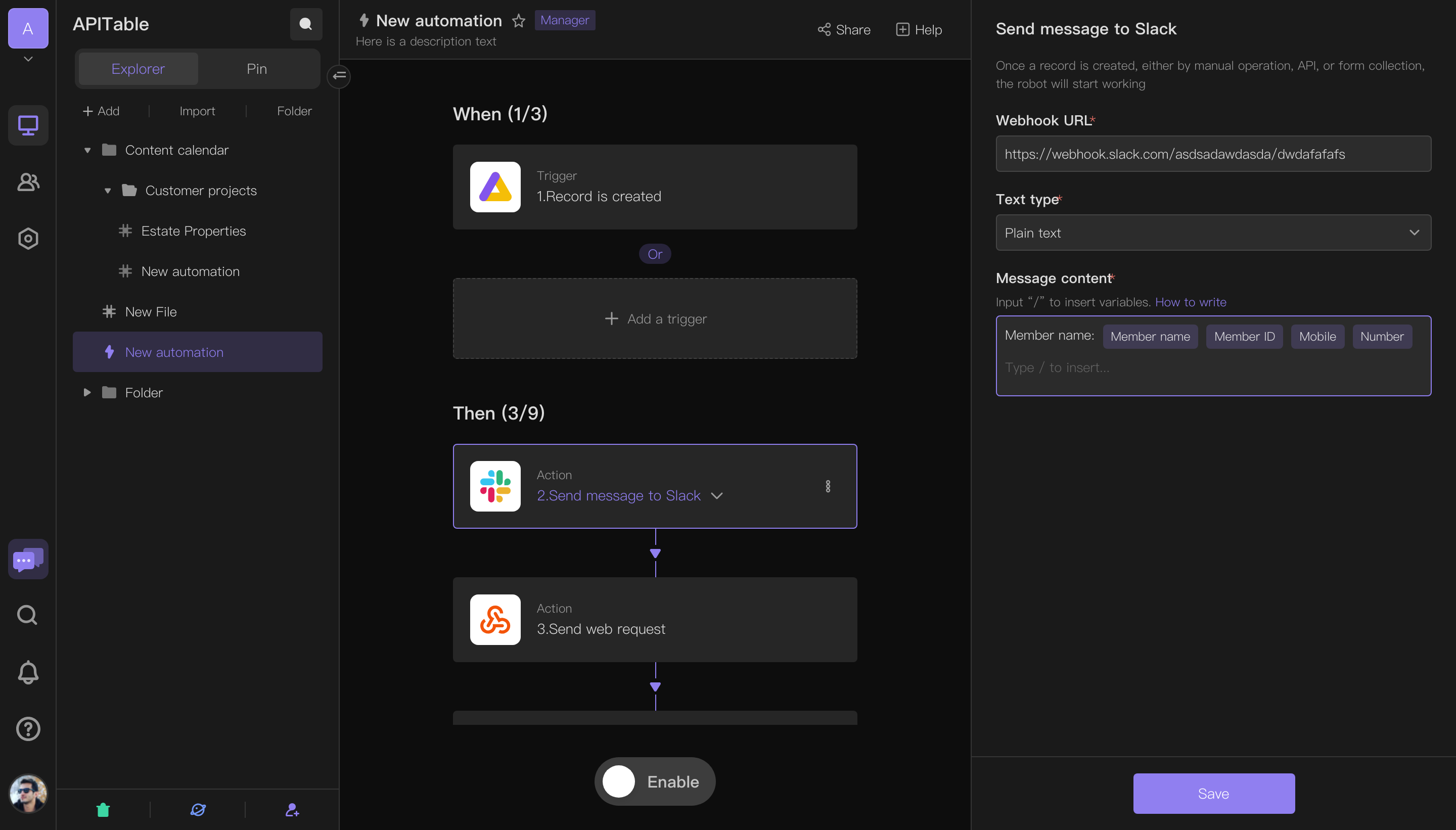
The whole flow stays visible
Inserted variables retain their field names and identify the source step and record
Saving settings and enabling the flow are separate actions
VIKA / MULTI-DEVICE · MOBILE · TABLET
Mobile supports flow review and on/off controls; tablet places the canvas beside step settings. Both share design tokens and icons
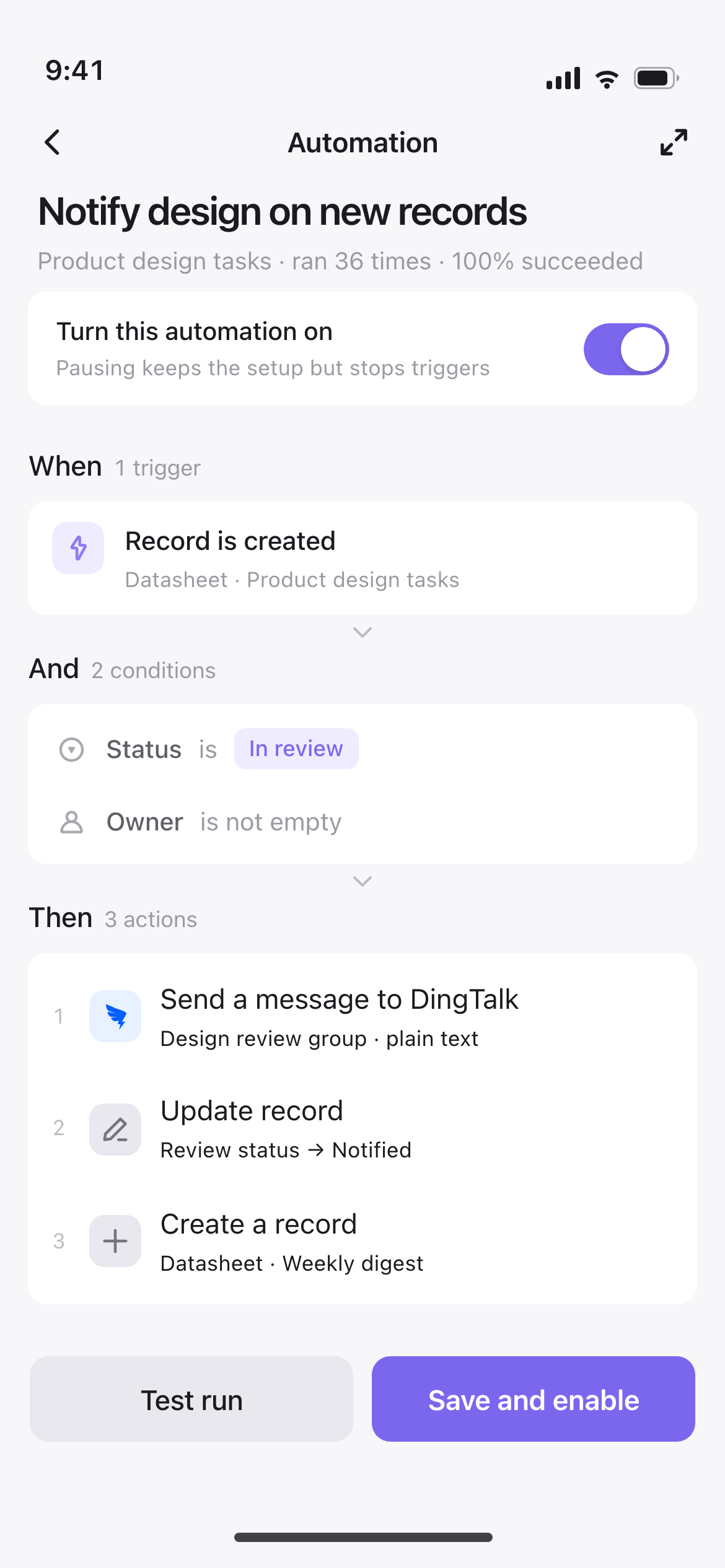
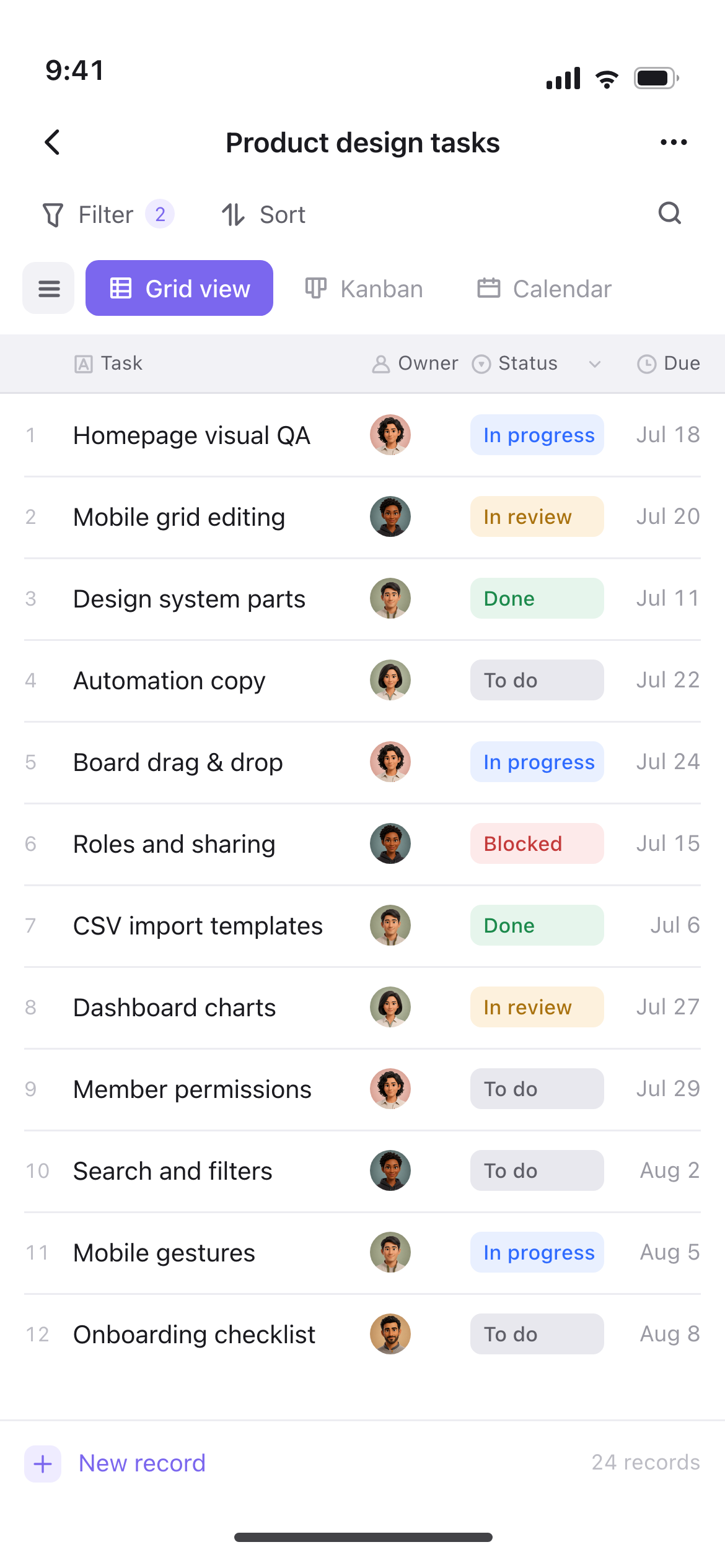
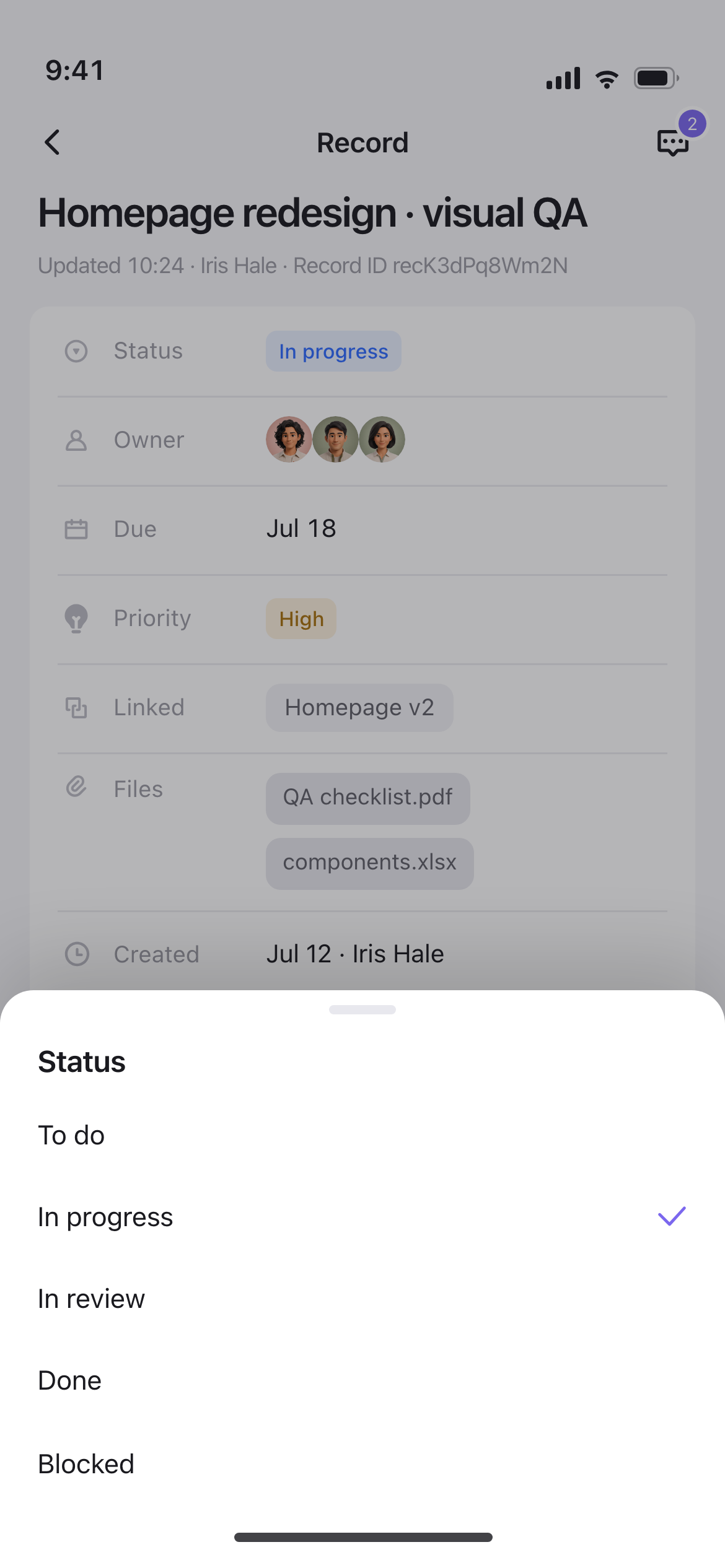
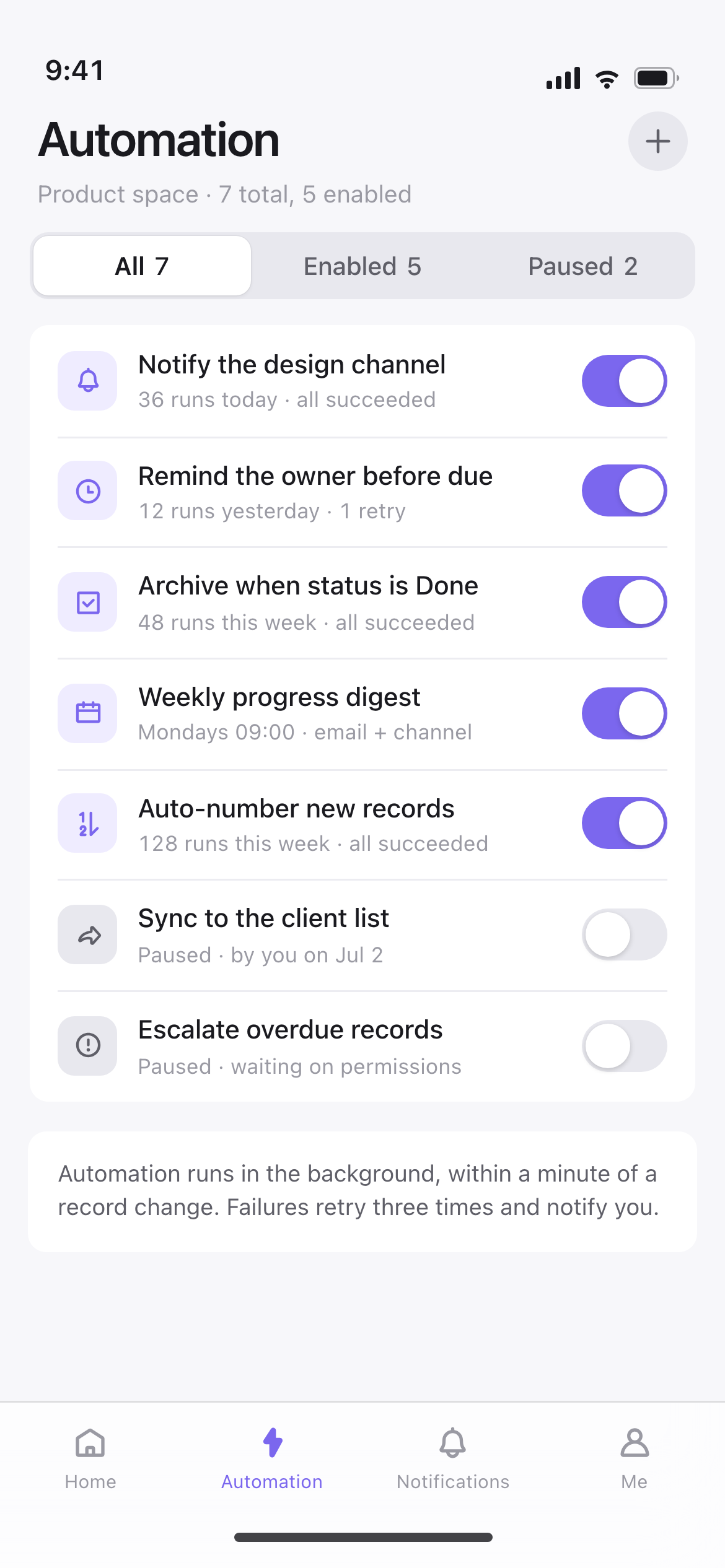
VIKA / MOBILE APP
Browse tables, edit records, view files, toggle automations
Table structure stays off the phone: field values change in place, while creation, field types and view setup stay on the desktop.
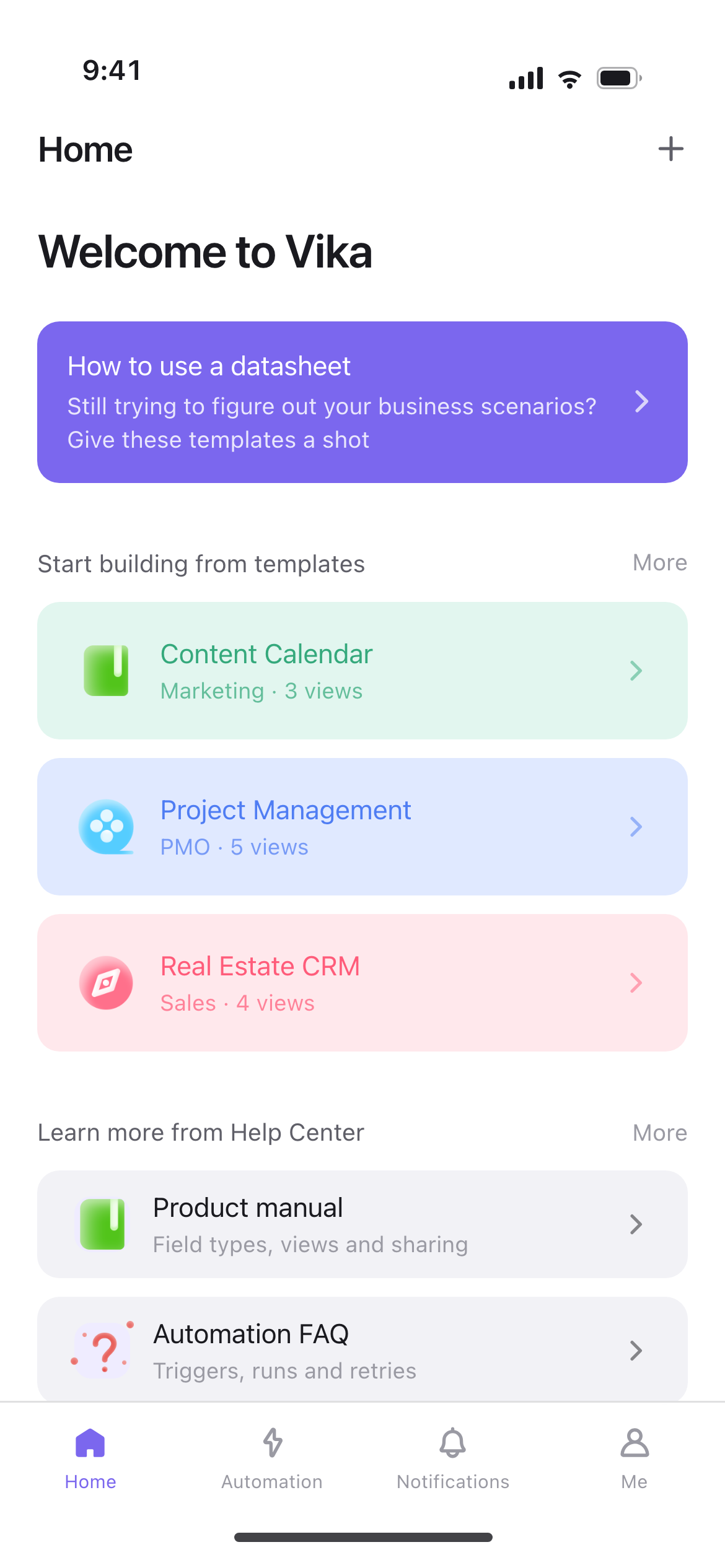
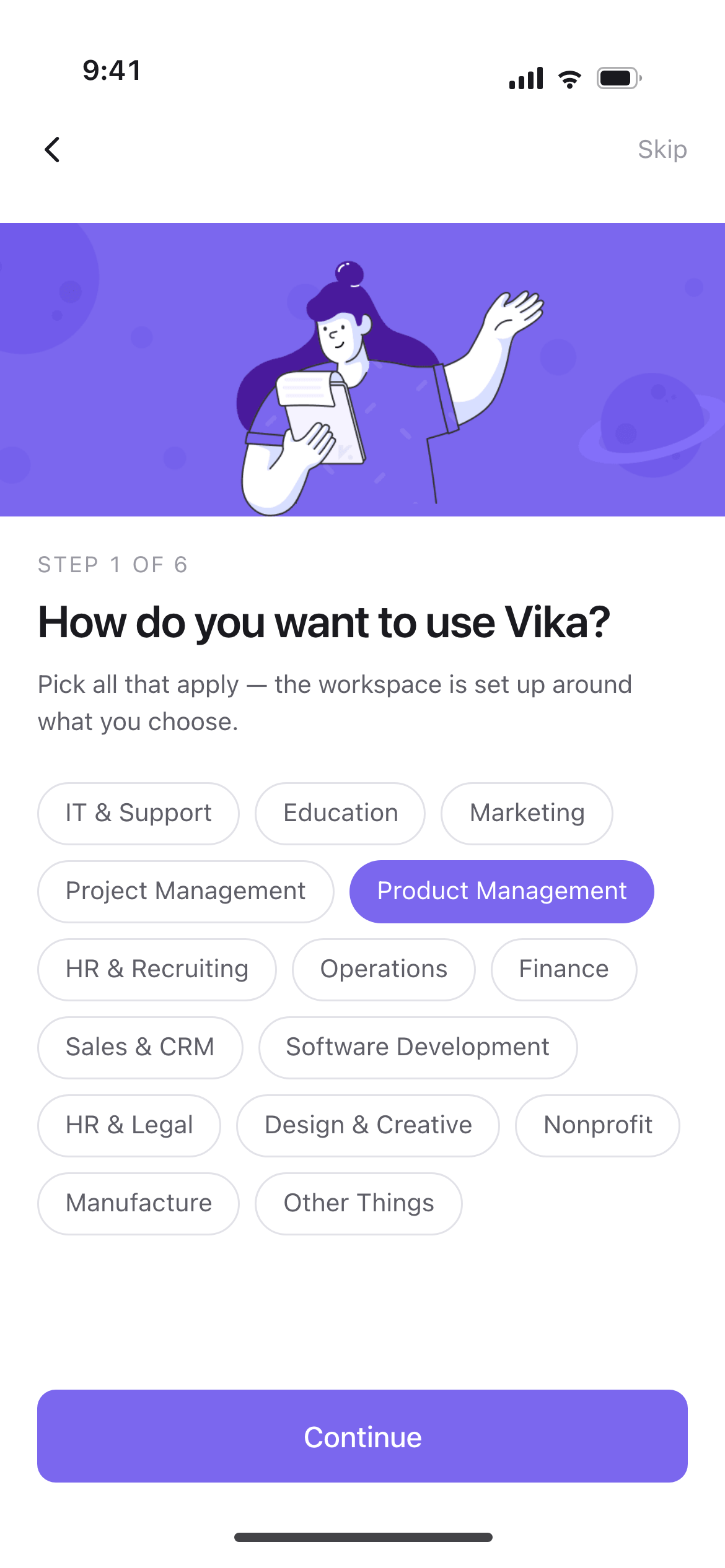
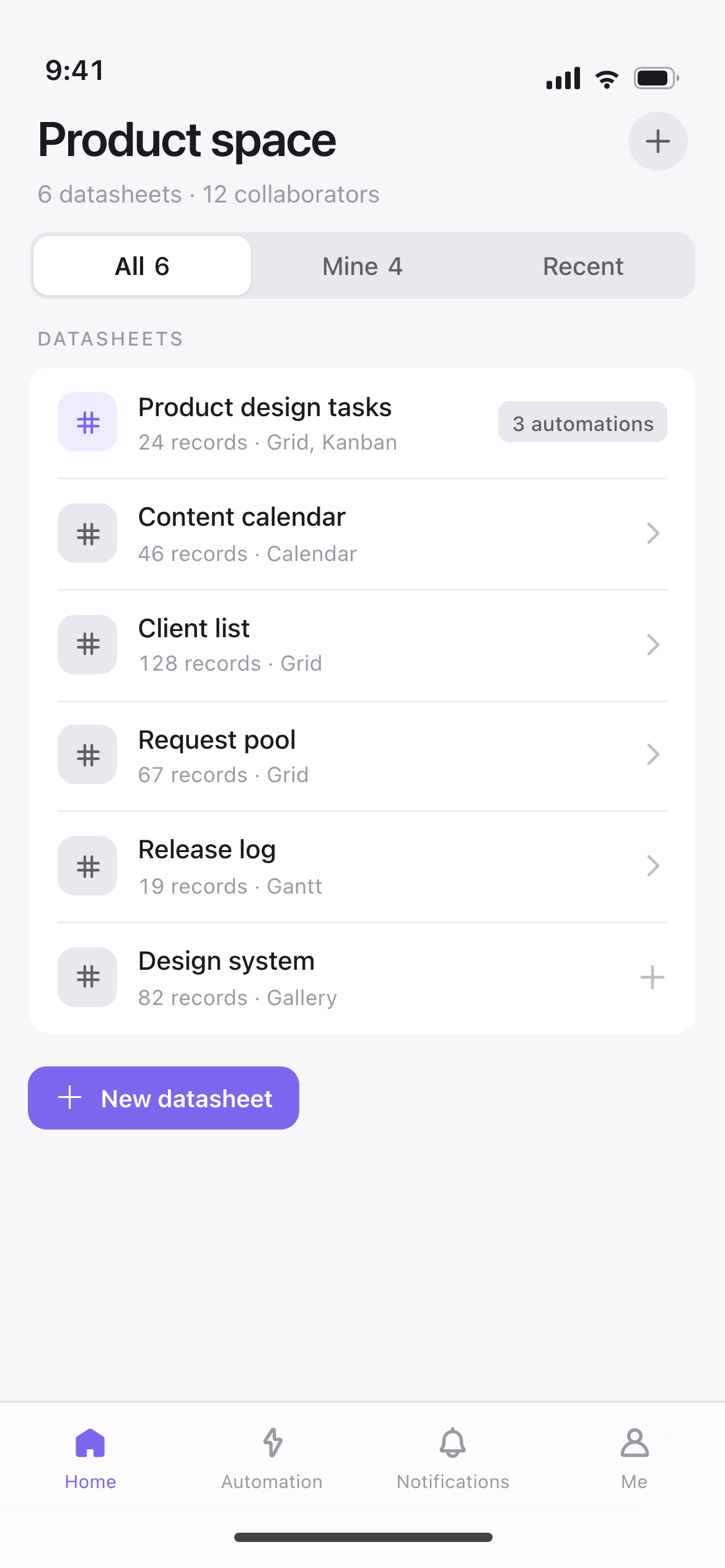
ONBOARDING / MOBILE ENTRY
First use moves from templates and help, through use-case and role questions, to the table list. Source and community questions are optional
WHAT THE FIRST FOUR STEPS ASK
Onboarding ends in a configured workspace where users can continue working with tables
01FIRST RUN
02SETUP WIZARD · STEP 1
03LANDING
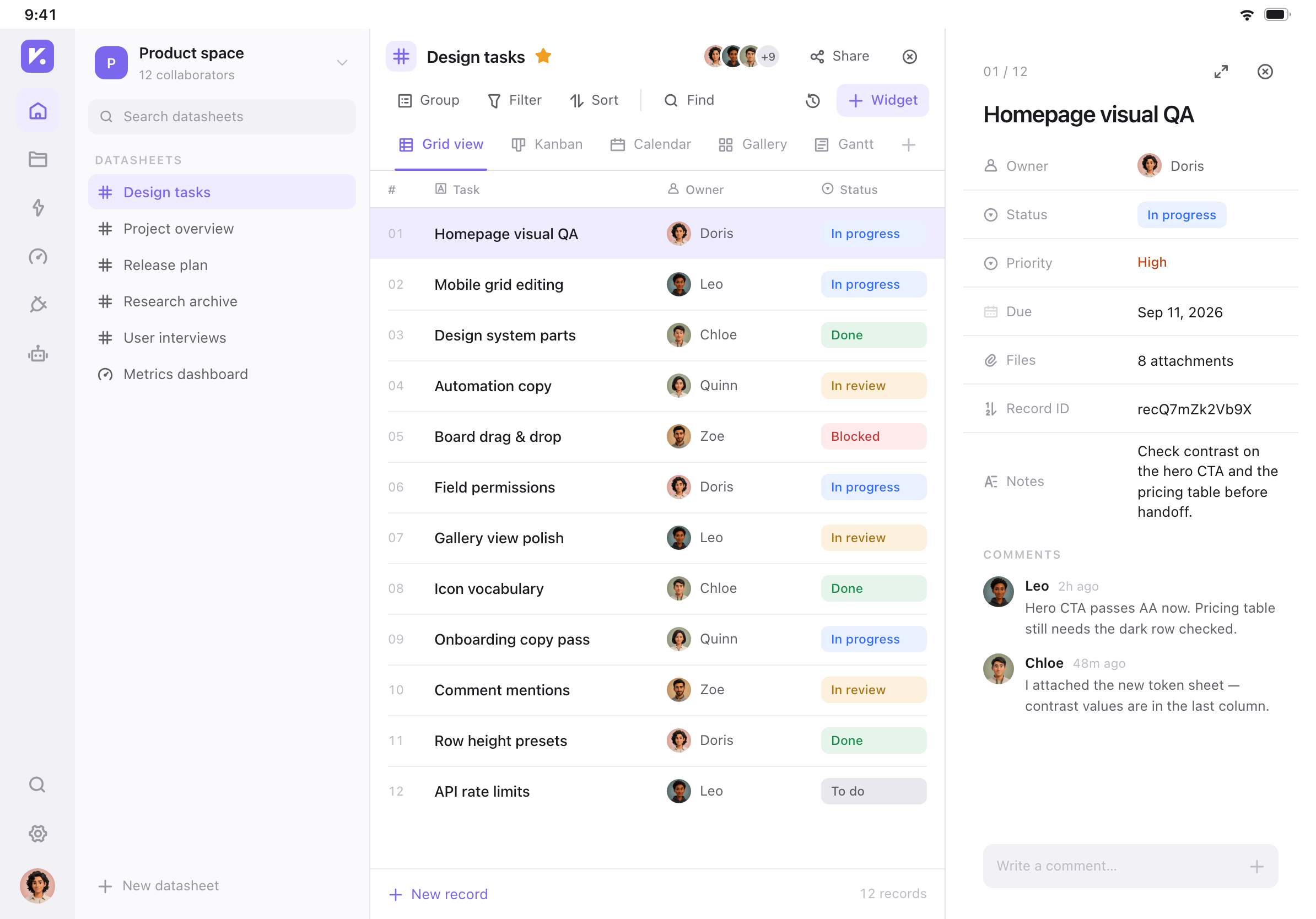
VIKA / TABLET DESIGN
Tablet keeps navigation, list and detail panes visible together. Opening a record retains the list while fields and comments appear on the right
DESIGN INFRASTRUCTURE / IN-HOUSE SYSTEM
2021
Vika
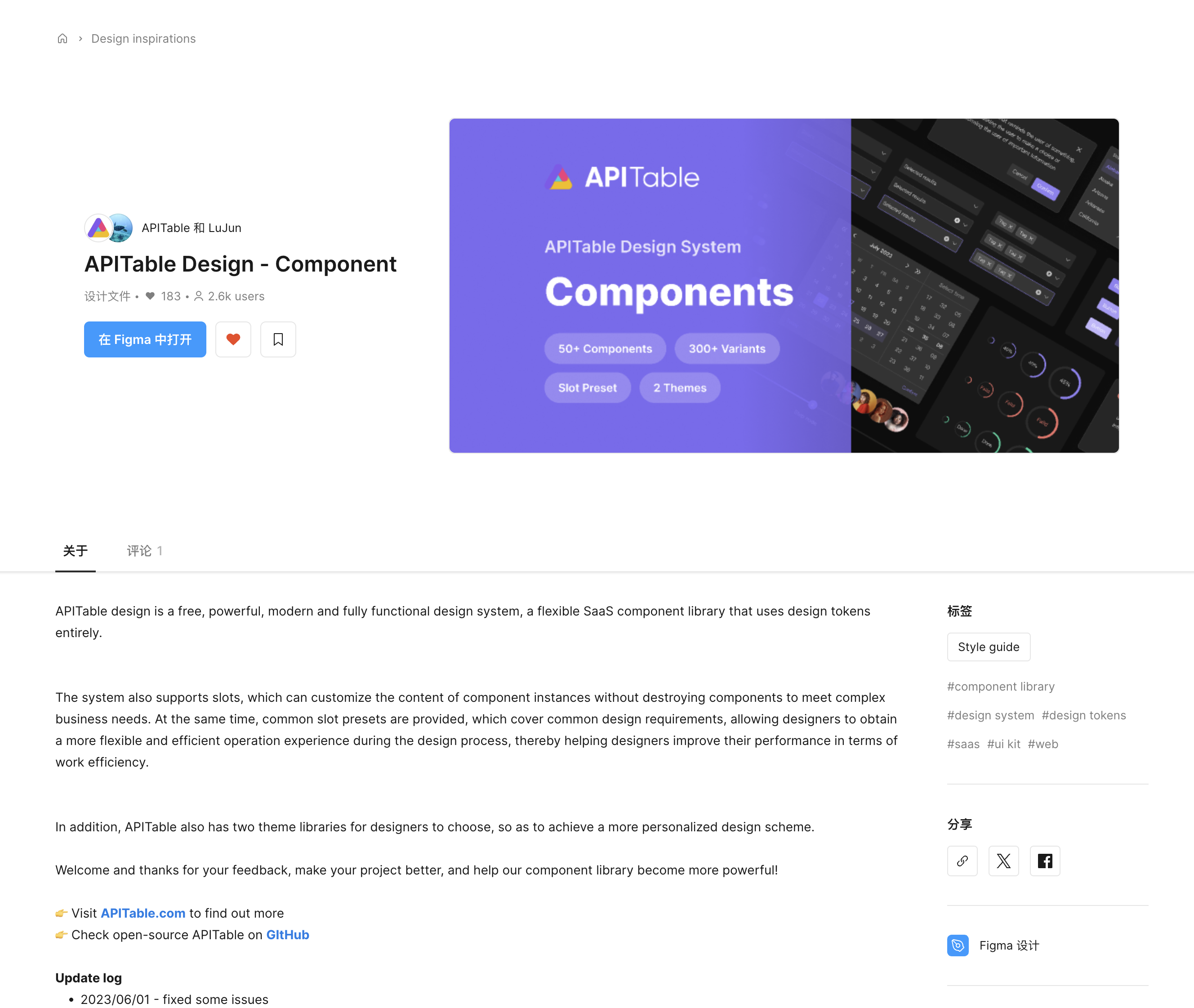
I led and published the Vika design system, bringing semantic tokens, product icons, components and interaction states into a shared resource for design and engineering
FOUNDATIONS / DESIGN LANGUAGE
Named colors by purpose so design and code share semantic tokens. Kept the same components and interaction states across light and dark themes
ICON SYSTEM / CONSTRUCTION
A shared grid and optical rules guide the icons; Outline and Filled styles are checked for legibility at actual product sizes
16 × 16 · base canvas
GROUPED VARIANTS


Group styles of the same icon for switching and reuse
SELECTED STATE
Compare default and selected states on one grid
CORNER GEOMETRY
Corners and outlines retain their proportions when scaled
COMMUNITY / COLLABORATION / DELIVERY
Check interface styles, states and themes against the published library
Shared names and states for fields and actions
Reuse structure; keep field and navigation semantics
Check styles, states and themes against the library
SKILL CASE STUDY / BUDA WEBSITE
Real tasks frame the brief; AI supports implementation. I check artifact order, file details and review states against the component rules
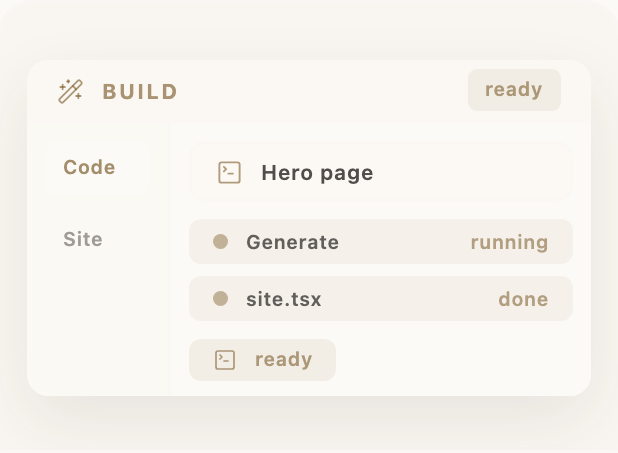
Check each scene against these rules
Show the file, then mark it ready
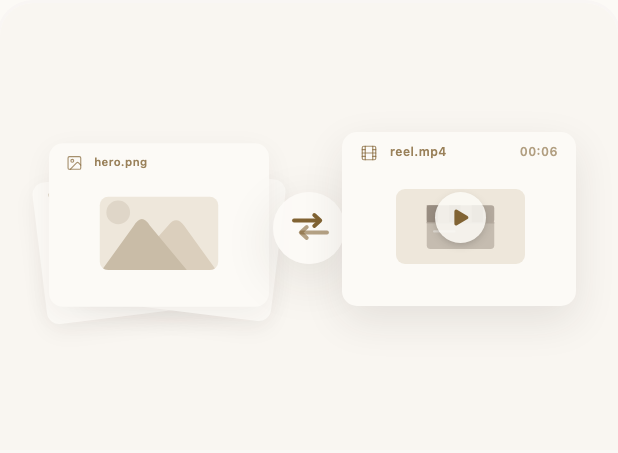
Show the video name, duration and play control
Show added and deleted code line by line
Generated files and their status
Image input → video output
Files and code changes
PERSONAL CONCEPT / RECORDER & APP
2026
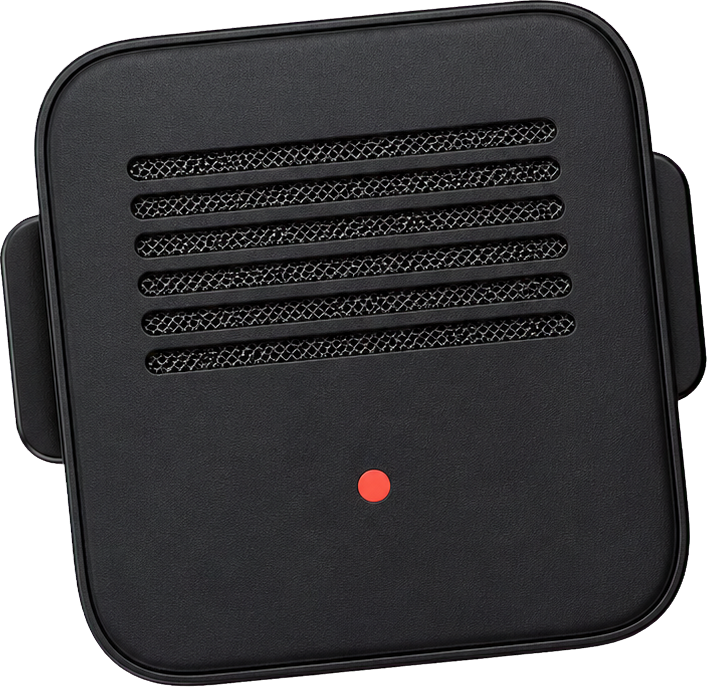
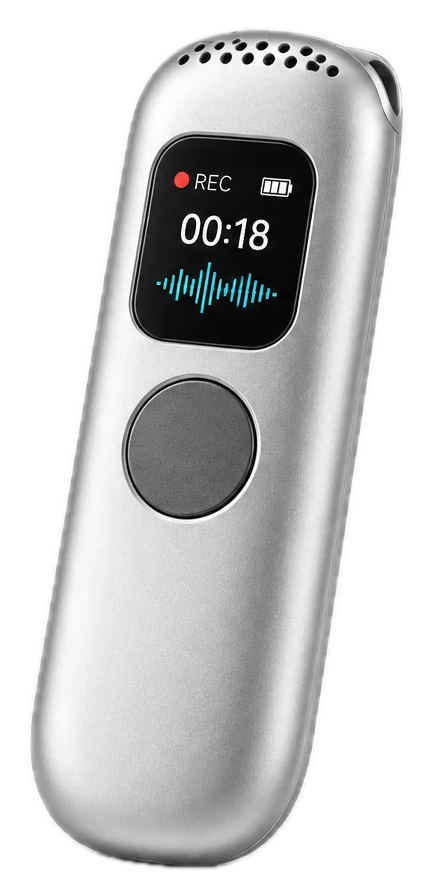
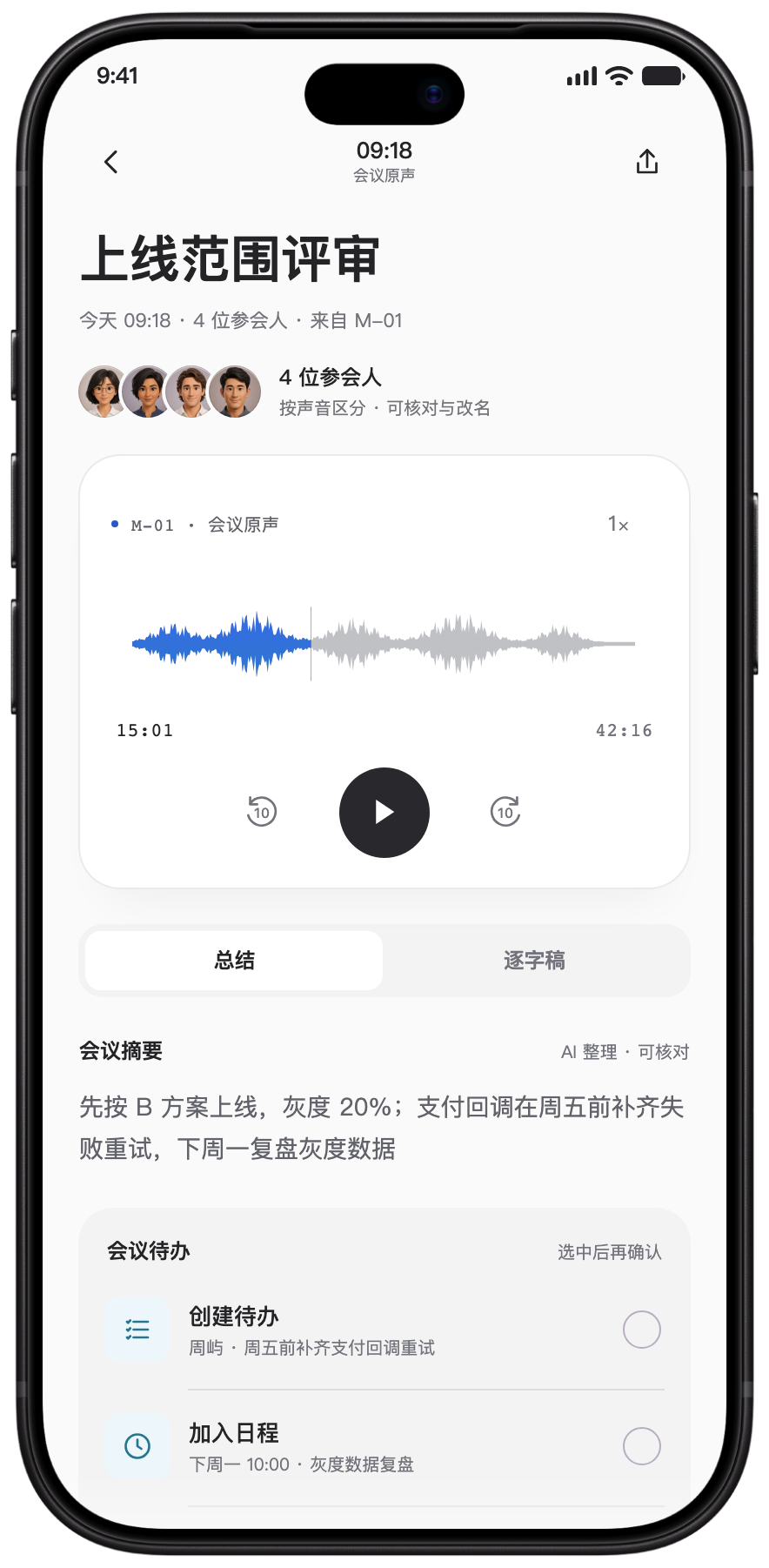
Memento is a wearable recorder and companion app concept. I designed recording, sync and AI-assisted review, and built the website and interactive prototype
MEMENTO / PERSONAL CONCEPT · INTERACTION PROTOTYPE
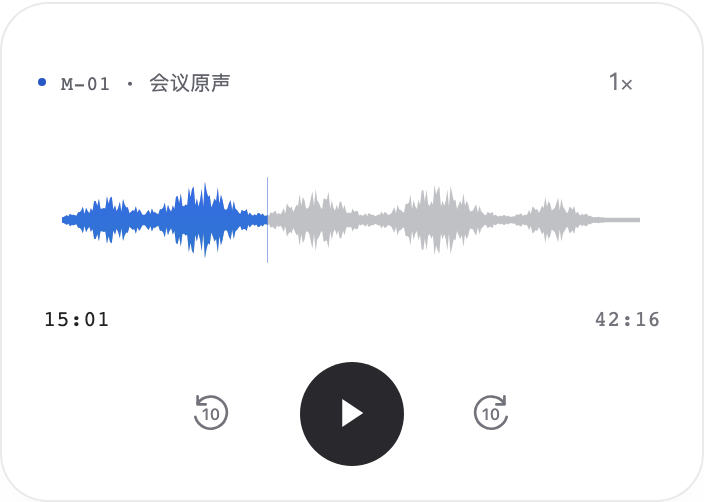
Press to capture. Save on the device. Return to the original audio and review in the app.
Capture with an intentional press
Keep the original audio on M-01
Review in the app before acting
MEMENTO / WEBSITE
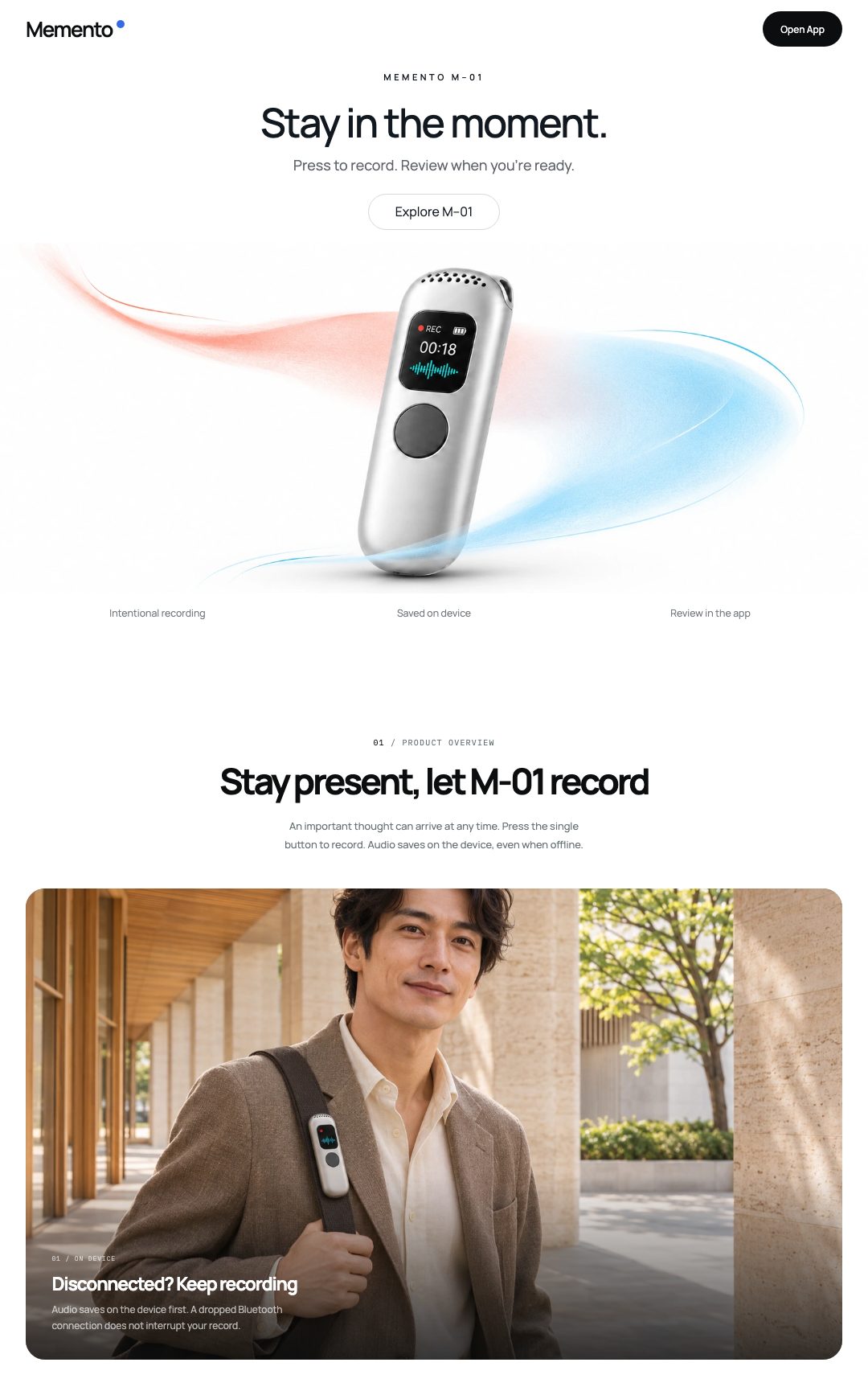
I structured the website around product recognition, use contexts and sound, then implemented the frontend.
A device close-up and one clear claim establish what the product is.
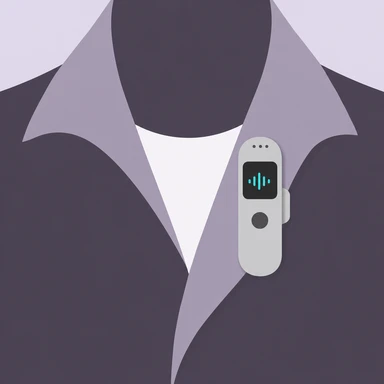
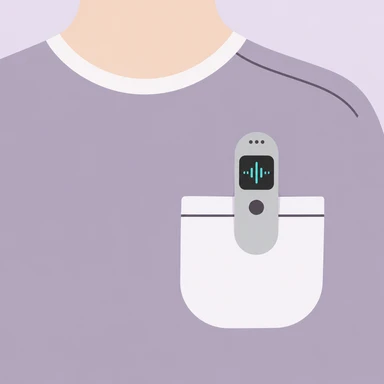
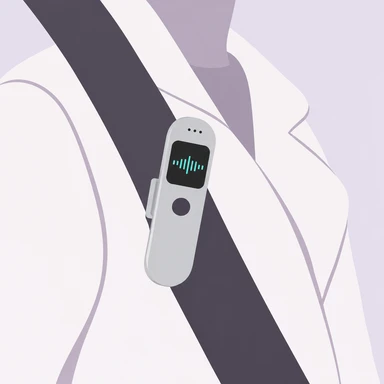
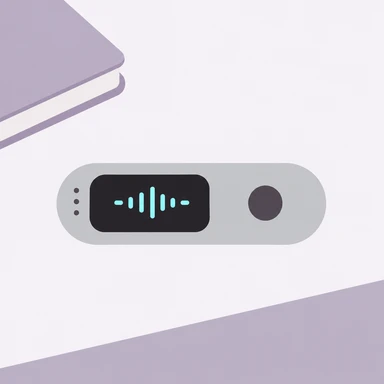
Four placement studies make the idea of a wearable recorder concrete.
A soft, asymmetric sound field connects the visual identity to the recorder.

WAYS TO USE
Clip it to a collar, chest or bag strap, or place it on a desk
VISUAL EXPLORATION
Website design and interactive prototype
PERSONAL CONCEPT / AGENT-NATIVE PHONE OS
2026
Agent Phone OS
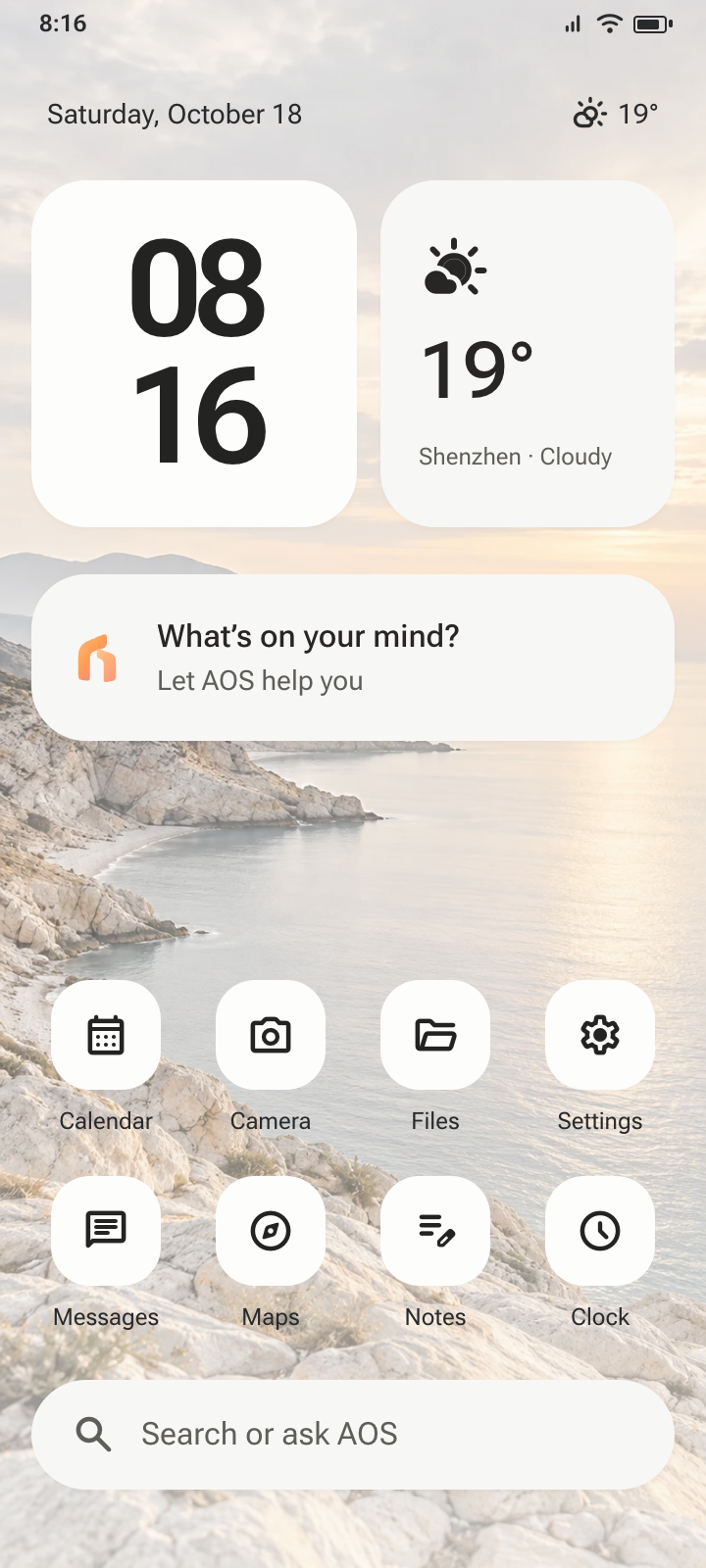
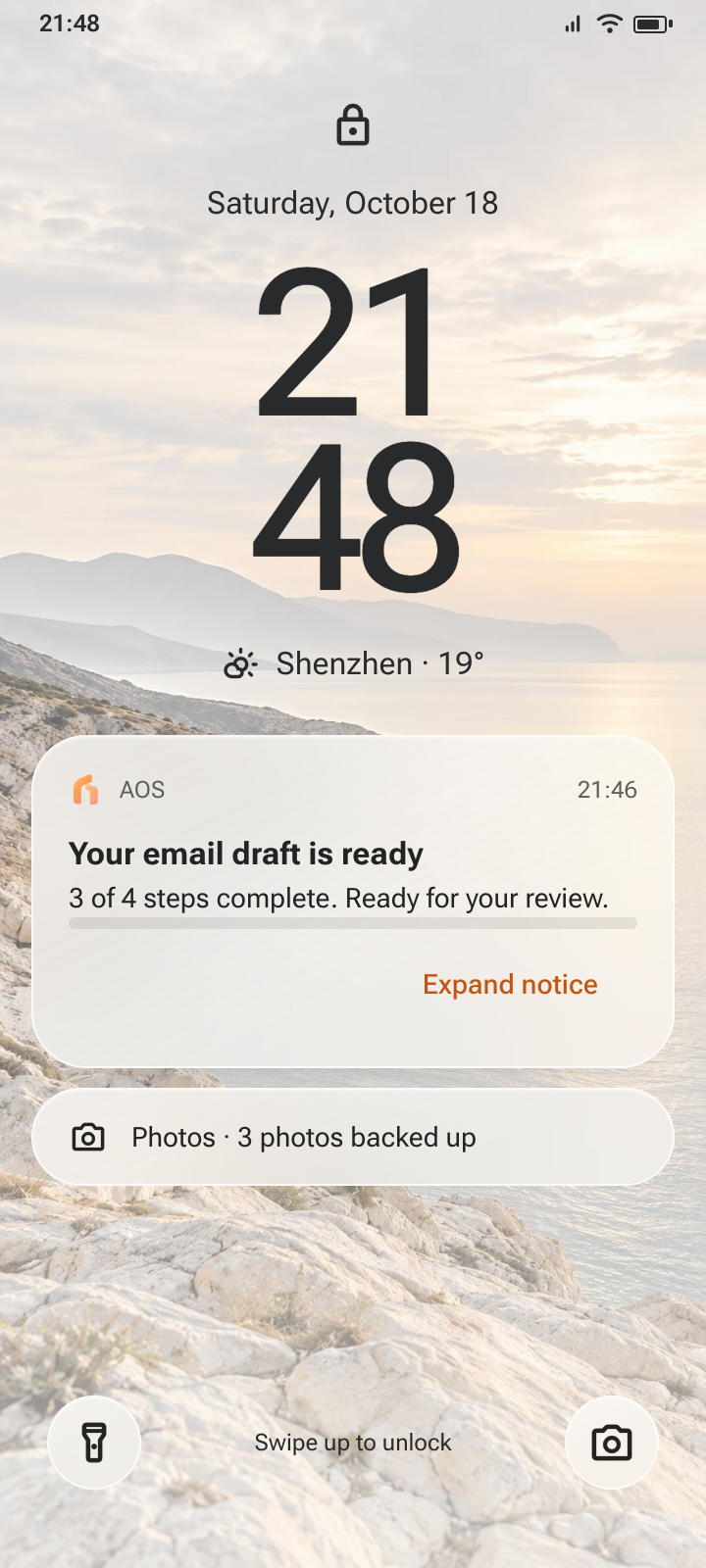
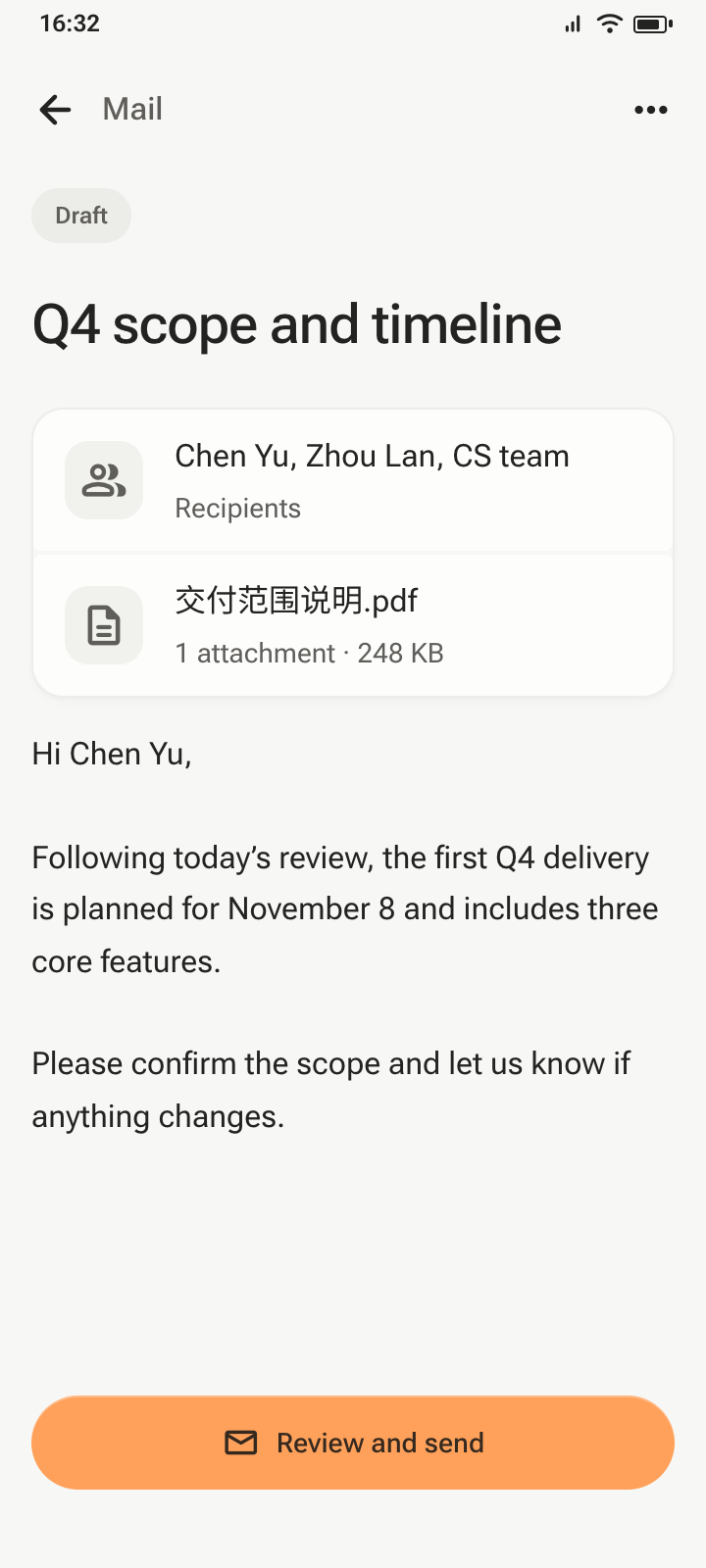
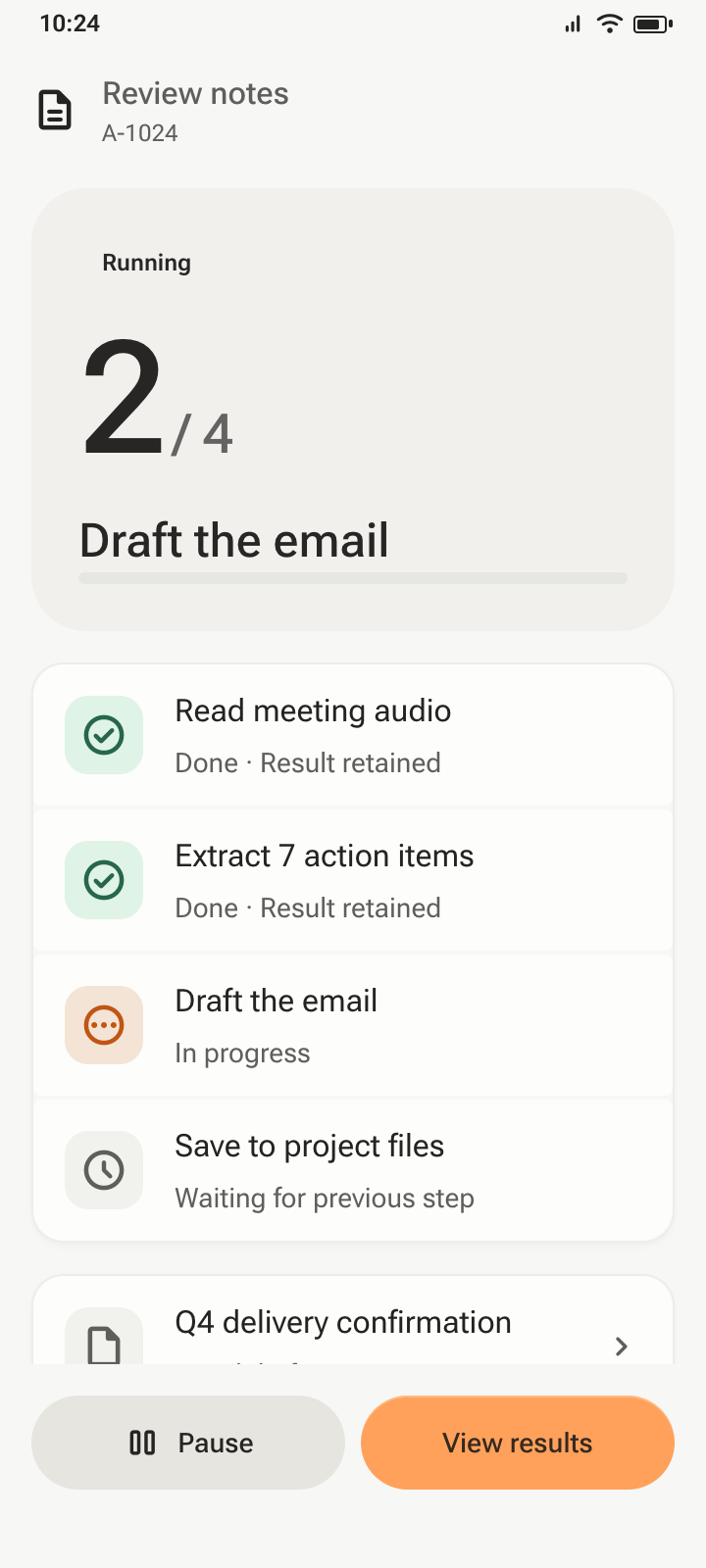
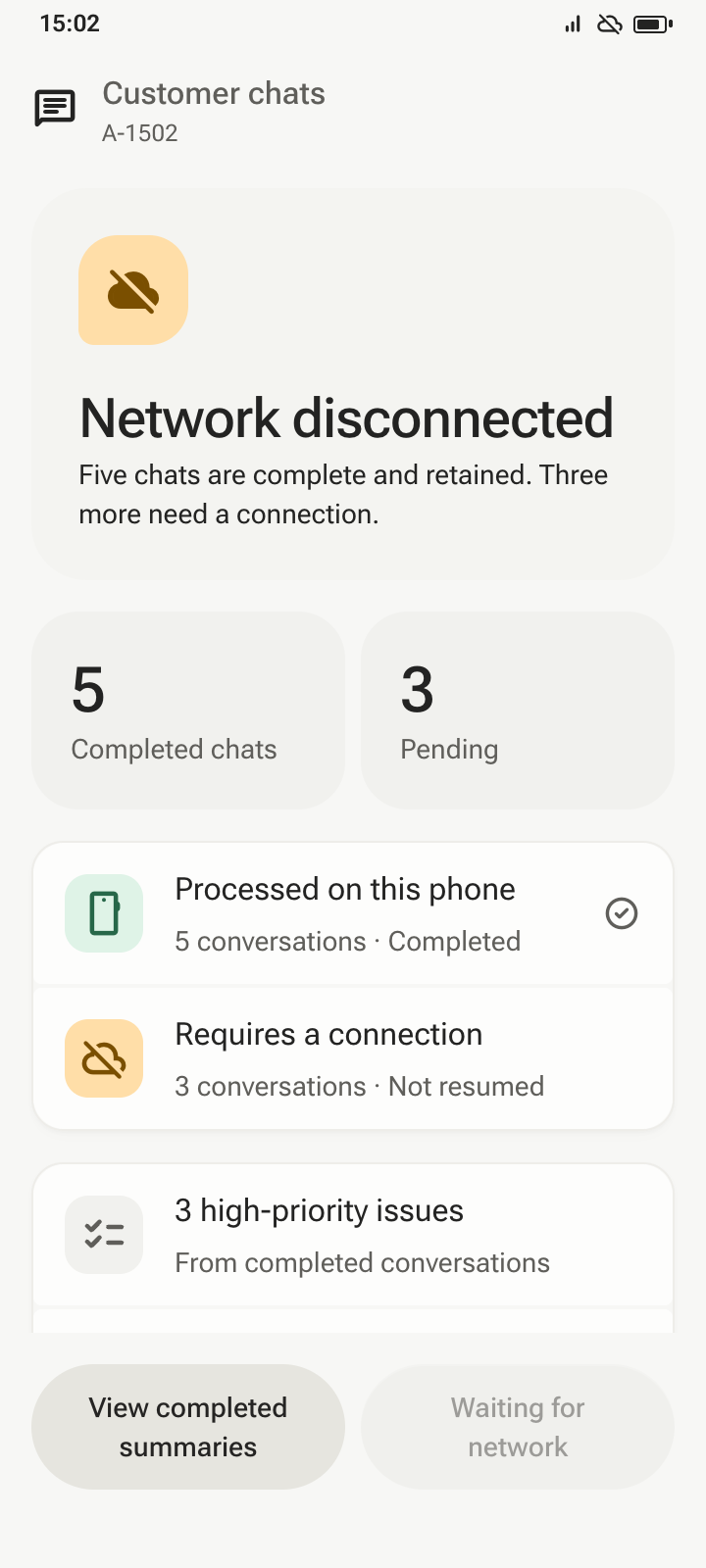
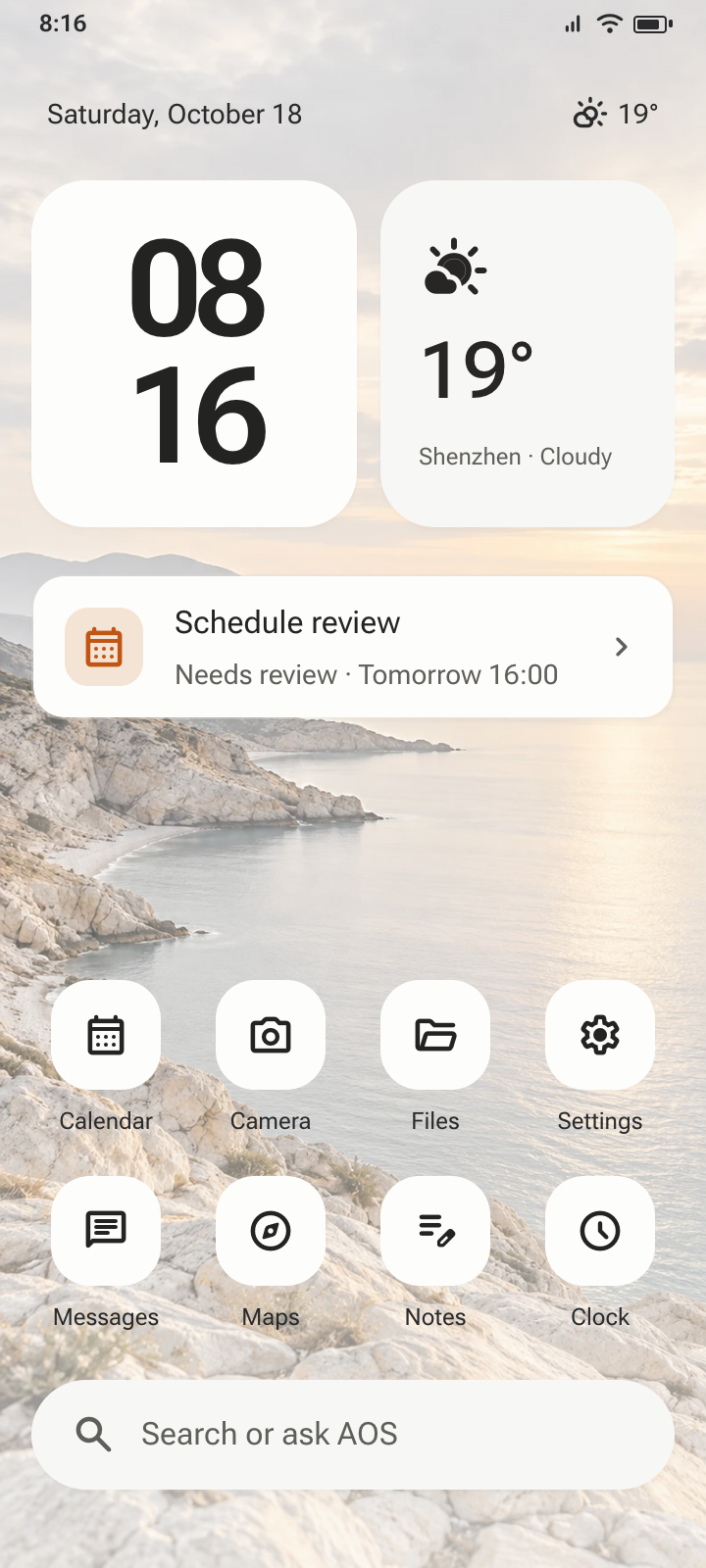
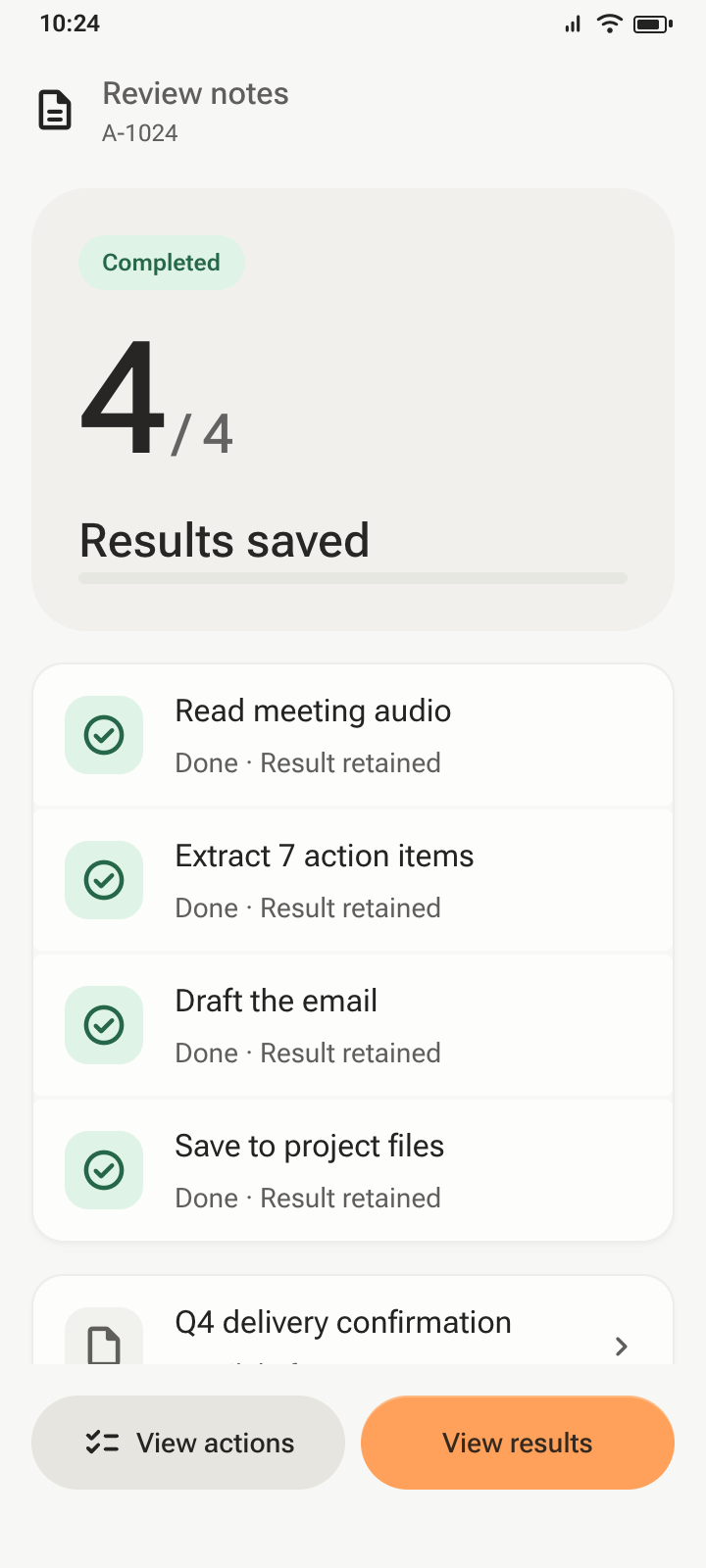
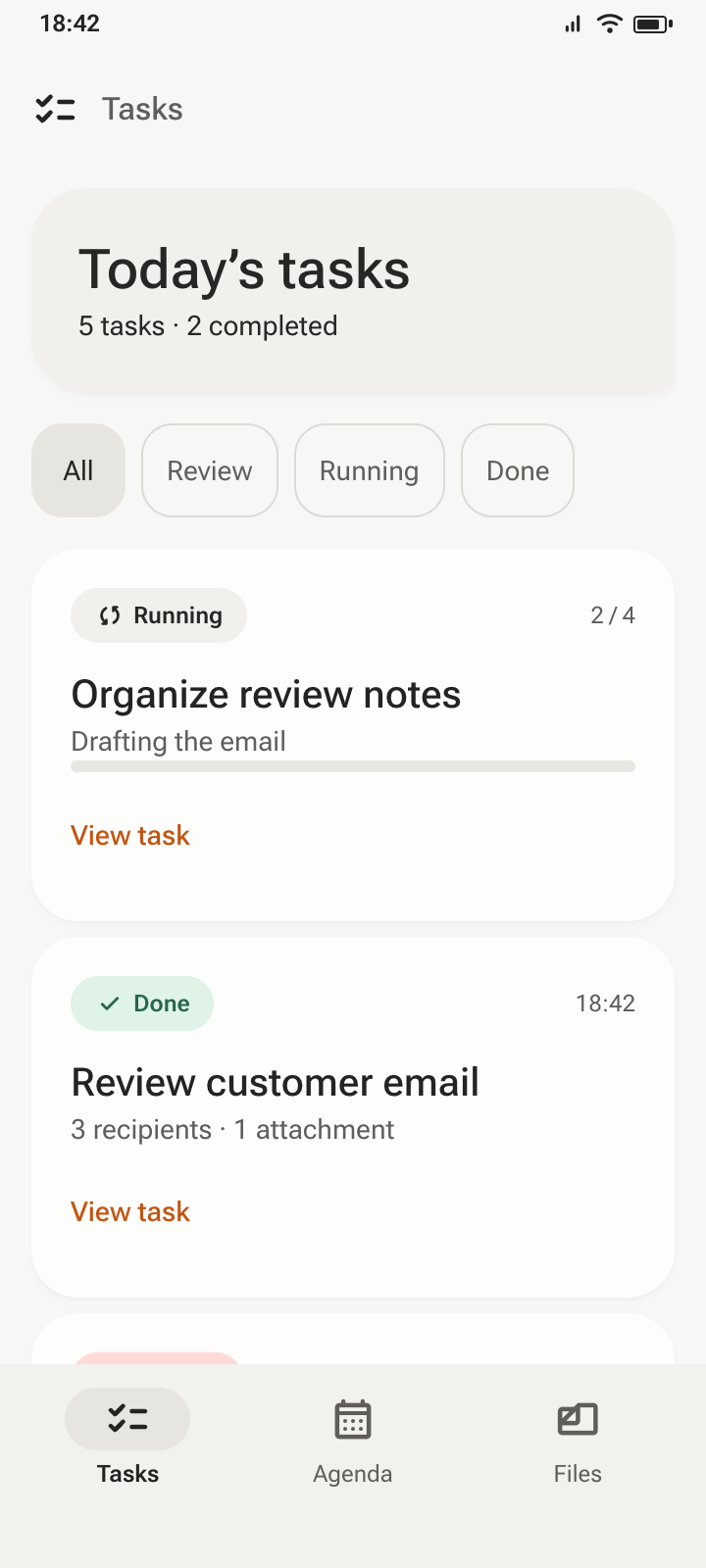
AOS is an agent-native phone OS concept. I designed cross-app tasks, permission checks and handoffs, then built its website and interactive web prototype
An agent-native phone OS
Eight daily-use scenarios share one set of components, covering messages, choices and tasks that continue beyond the current screen
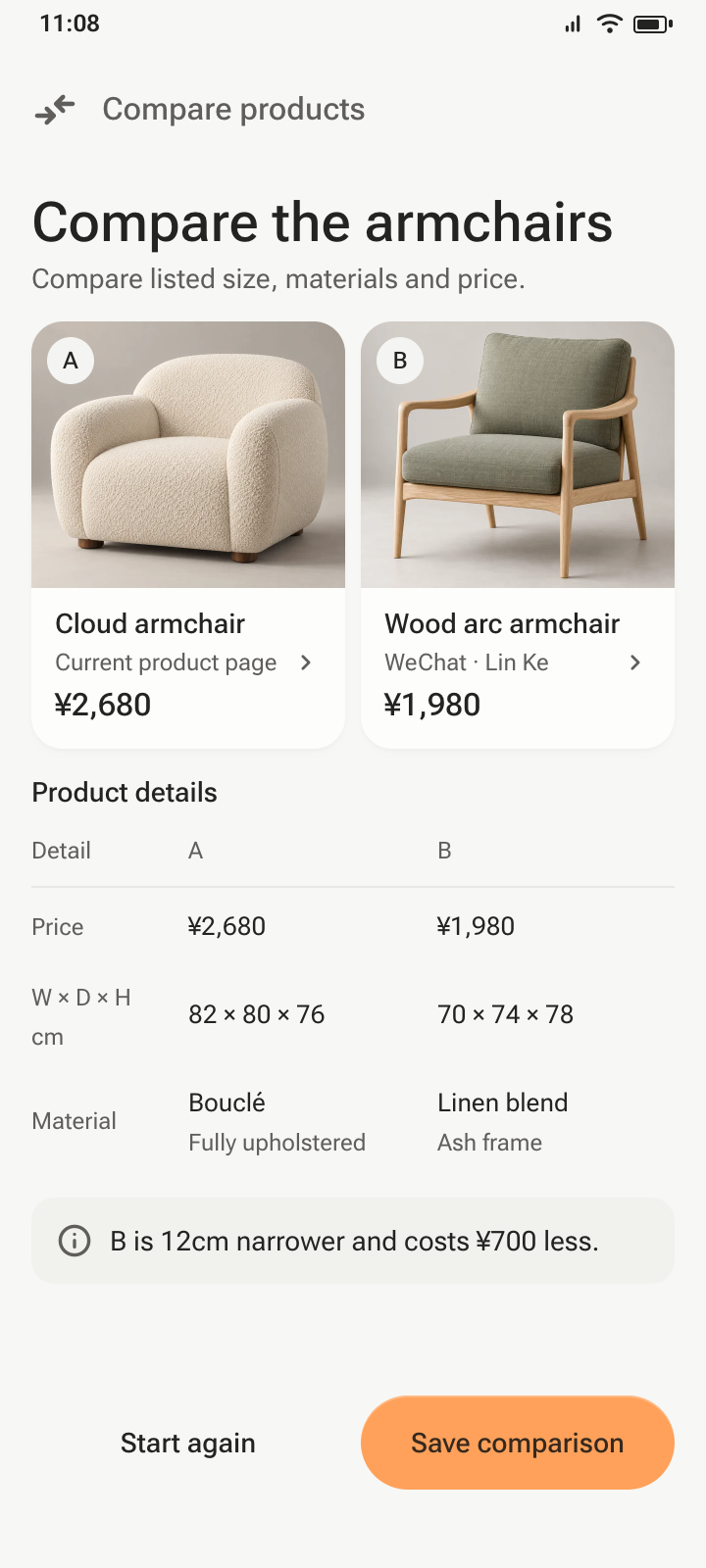
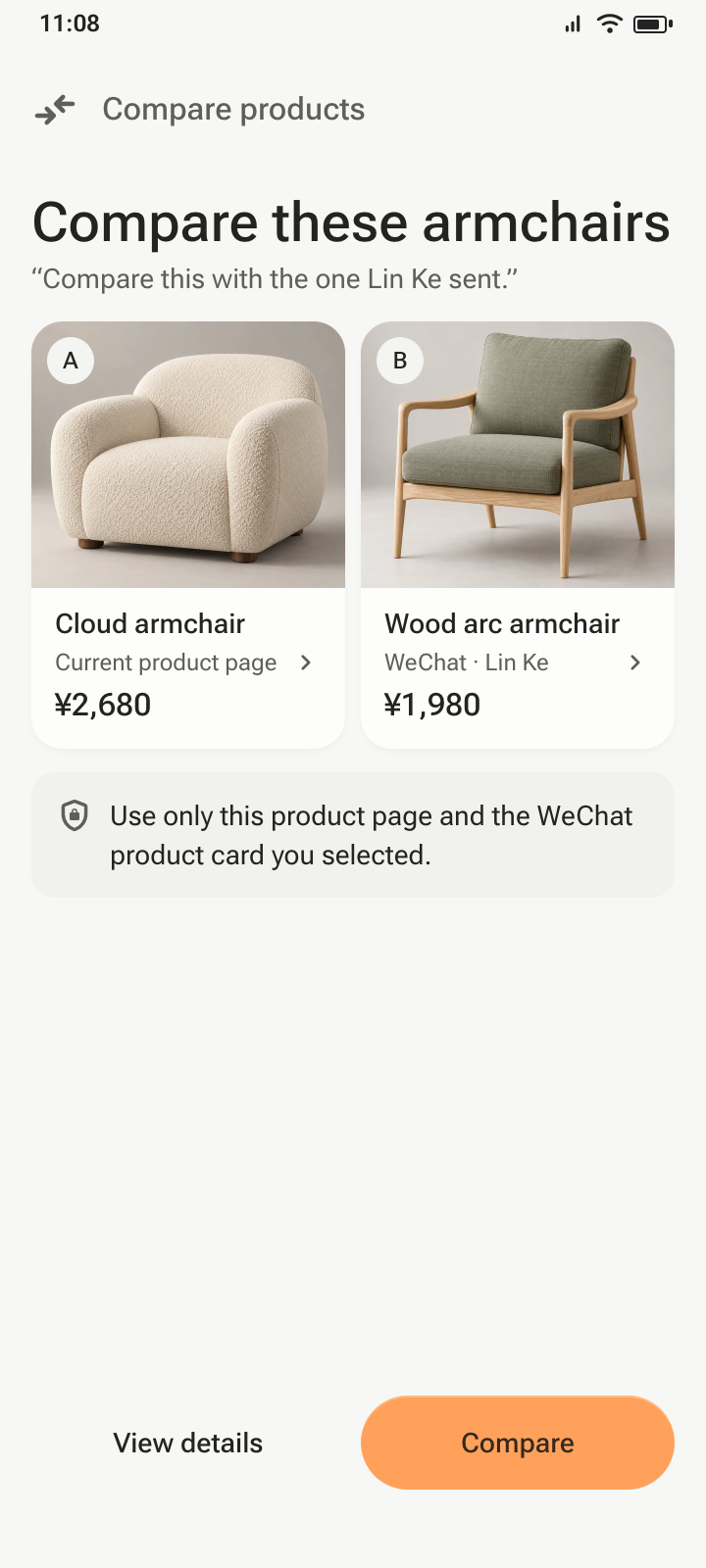
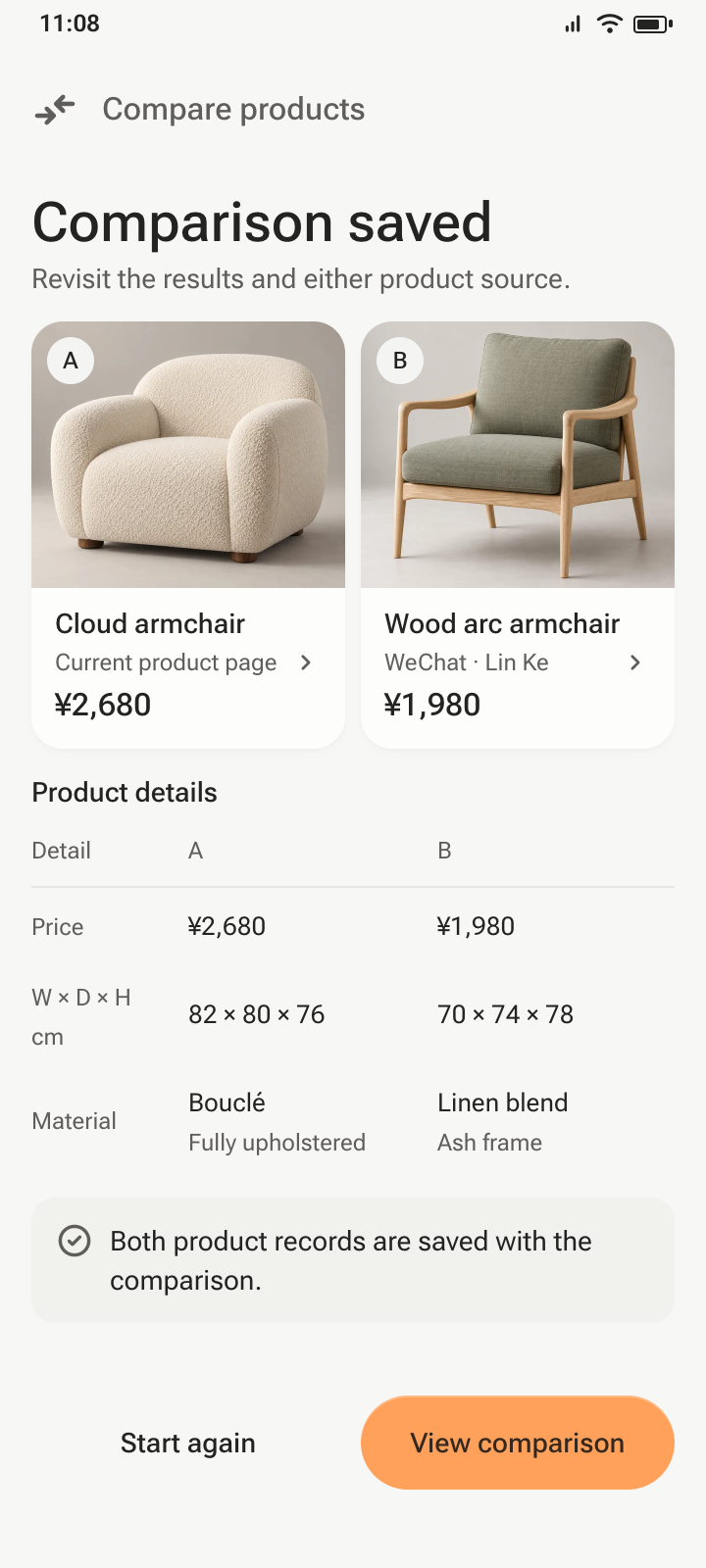
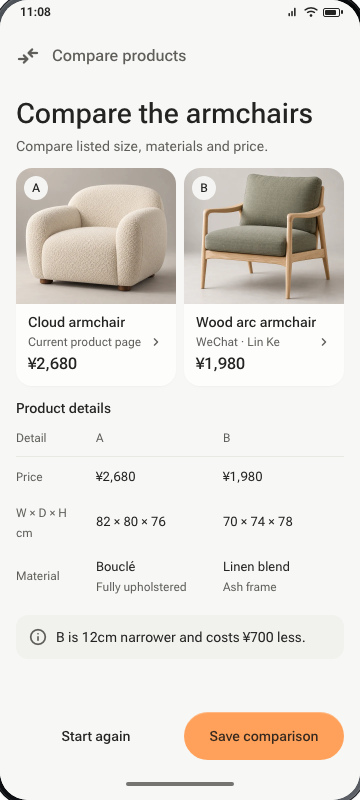
AOS / PRODUCT COMPARISON · INTERACTION PROTOTYPE
01Product page · hold power
Your request to AOS
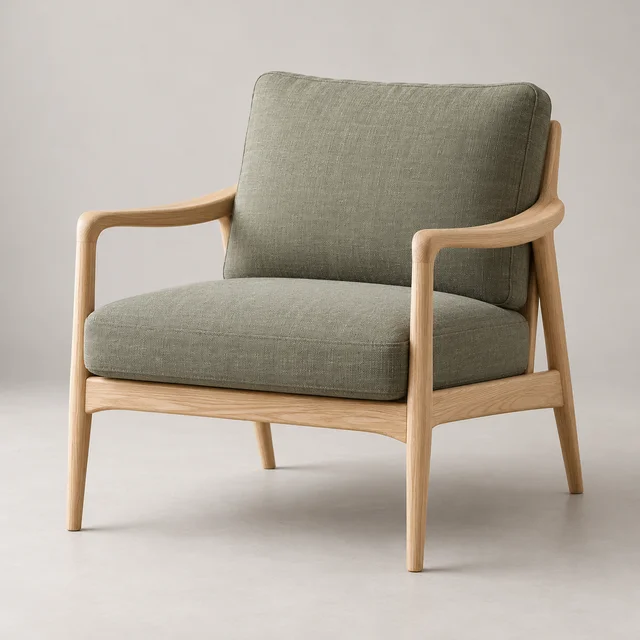
“Compare this with Lin Ke’s chair”
 B
 Lin Ke
Wood arc armchair
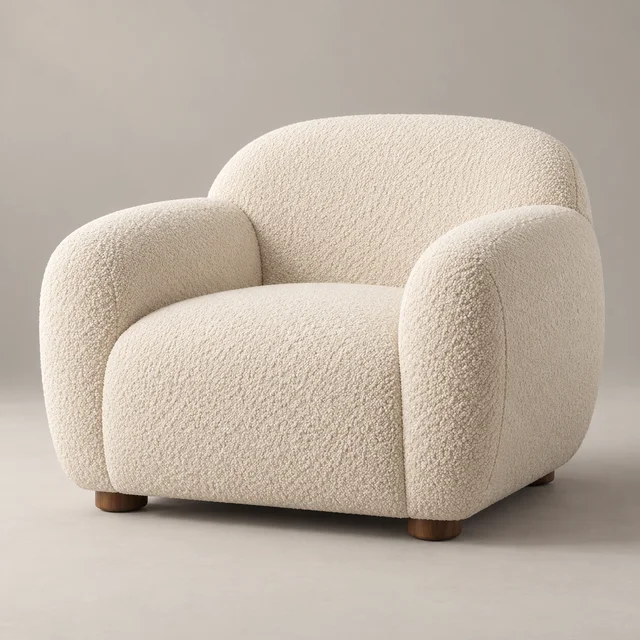 A
My current product page
BShared by Lin Ke in WeChat
B12 cm narrower
Bouclé / Linen blend
B¥700 less
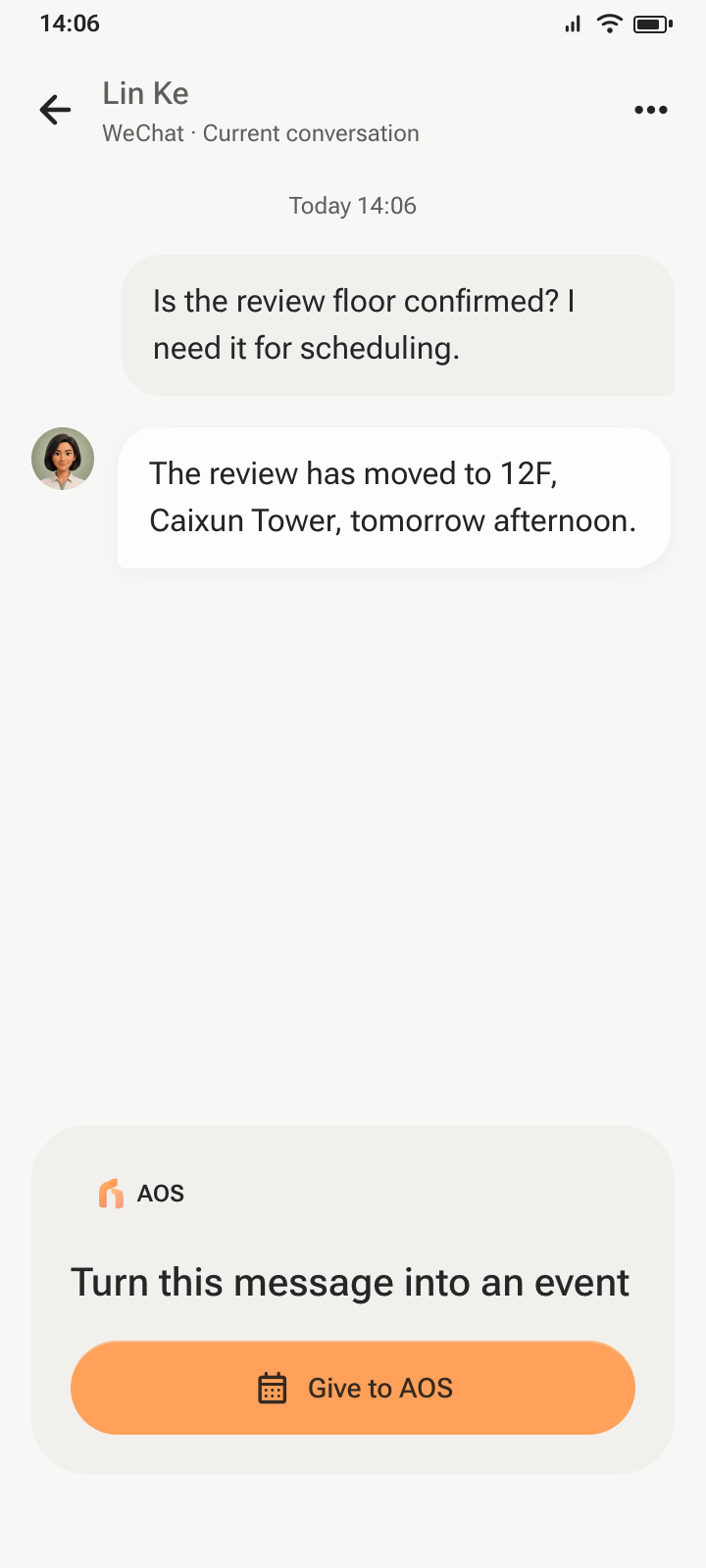
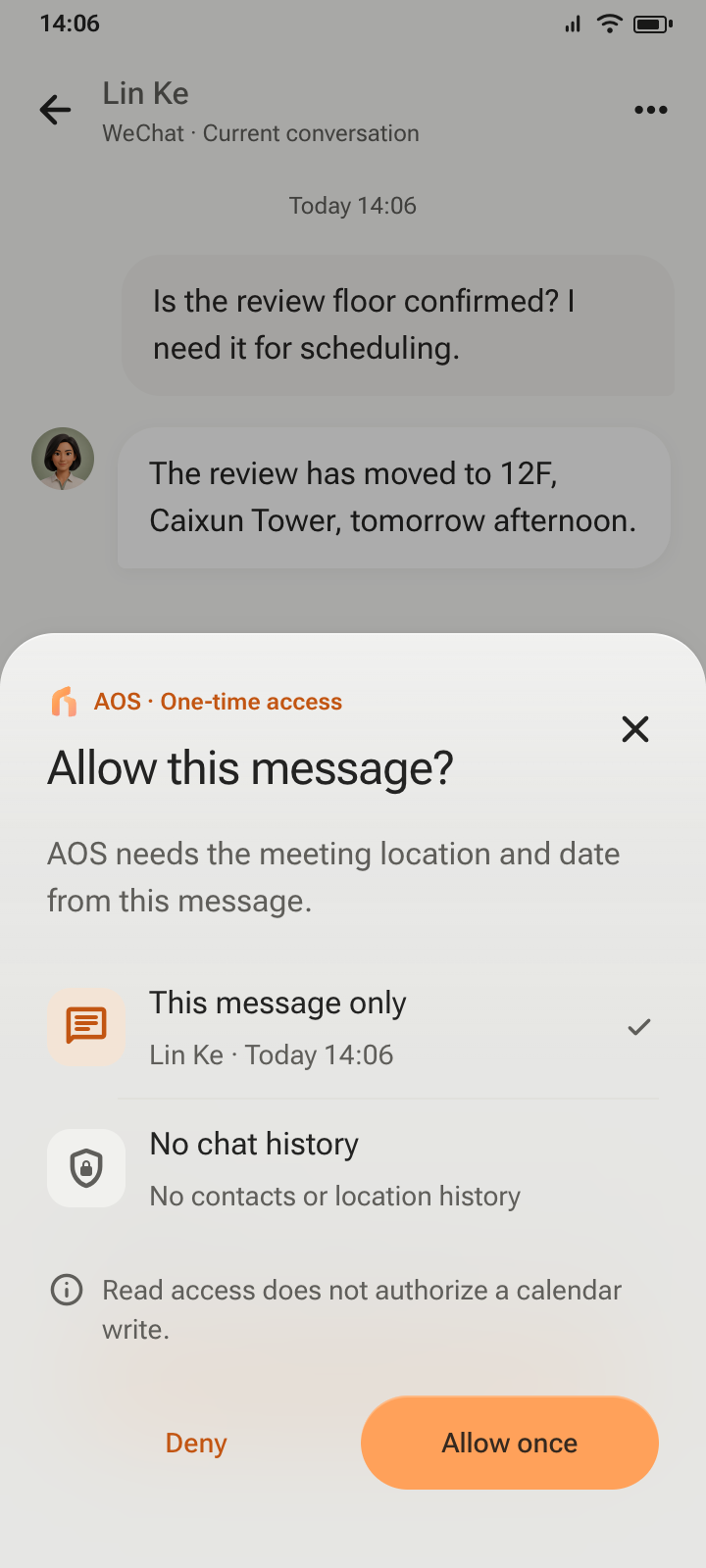
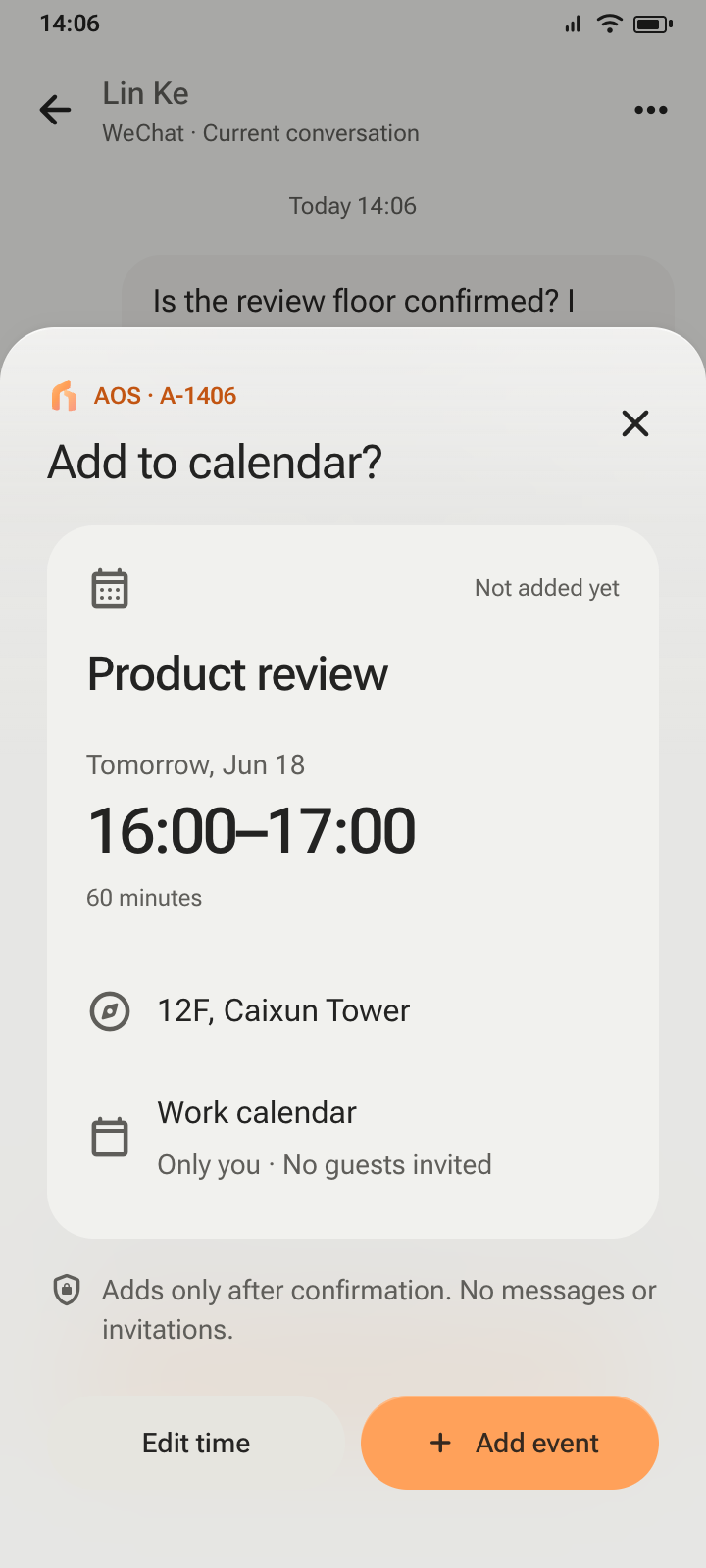
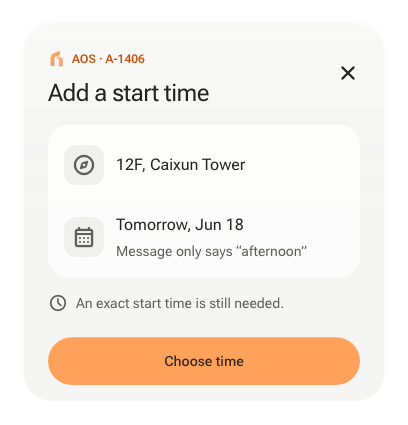
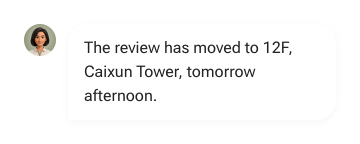
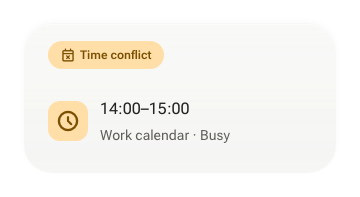
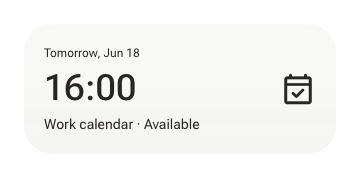
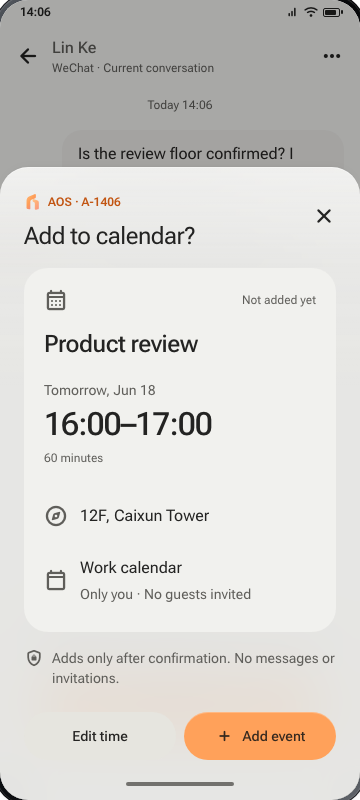
AOS / MESSAGE TO CALENDAR · INTERACTION PROTOTYPE
Read one message. Find a free time. Ask before adding.
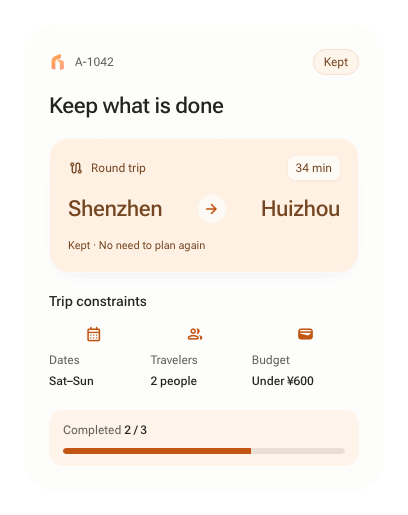
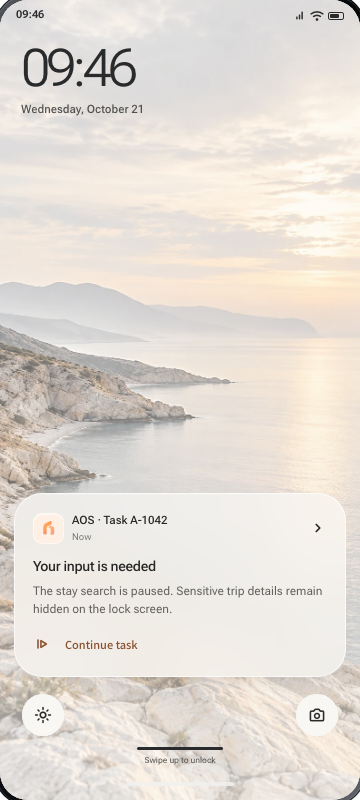
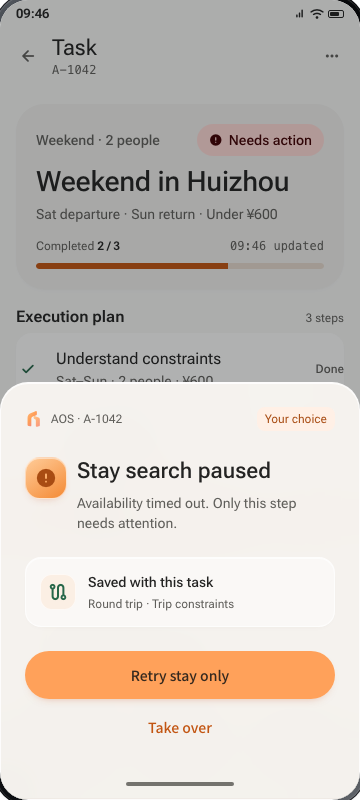
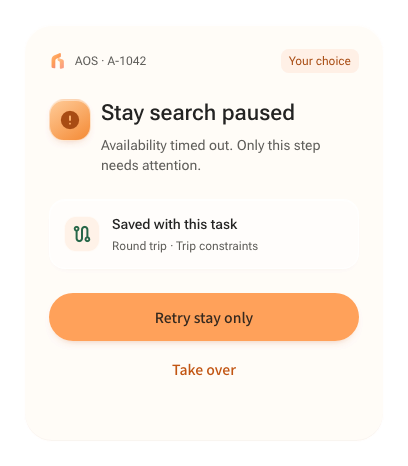
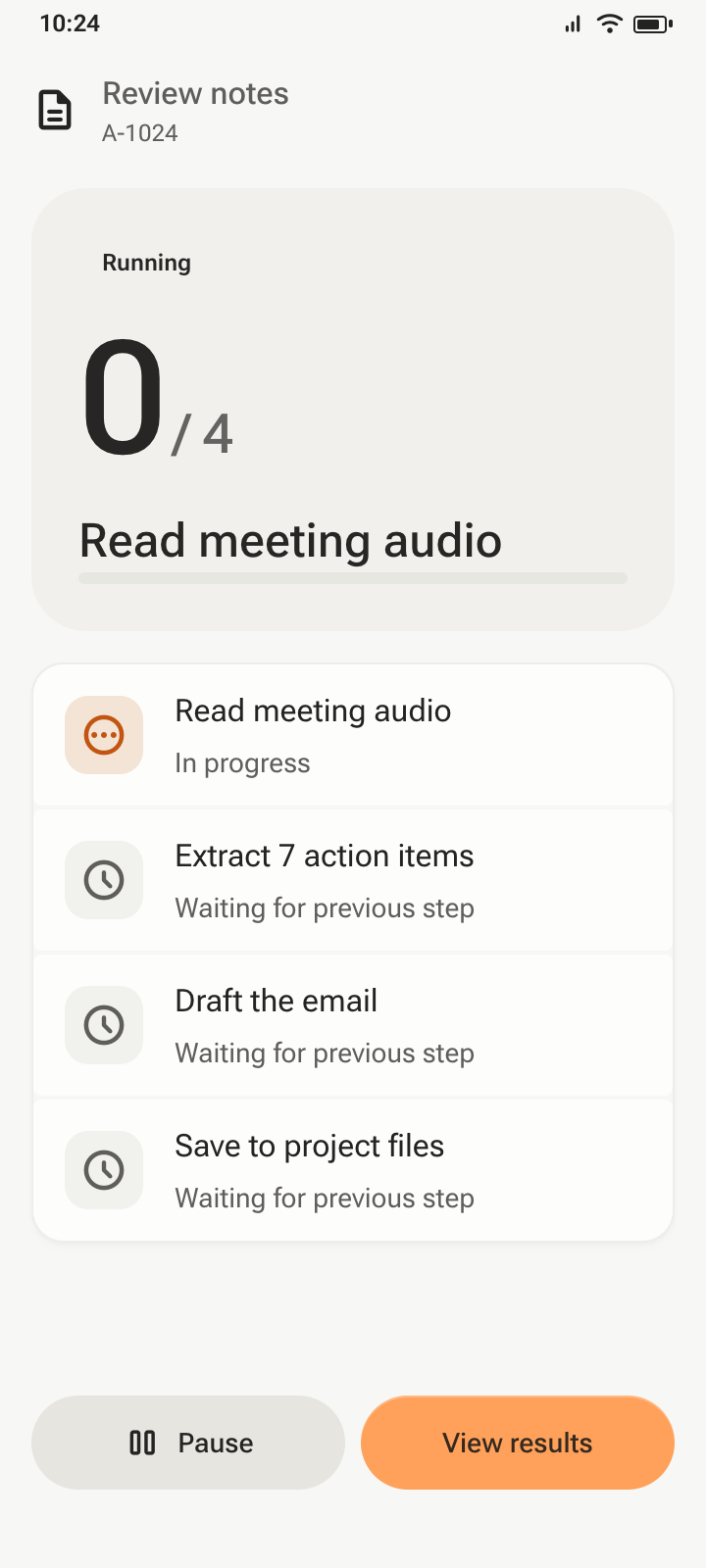
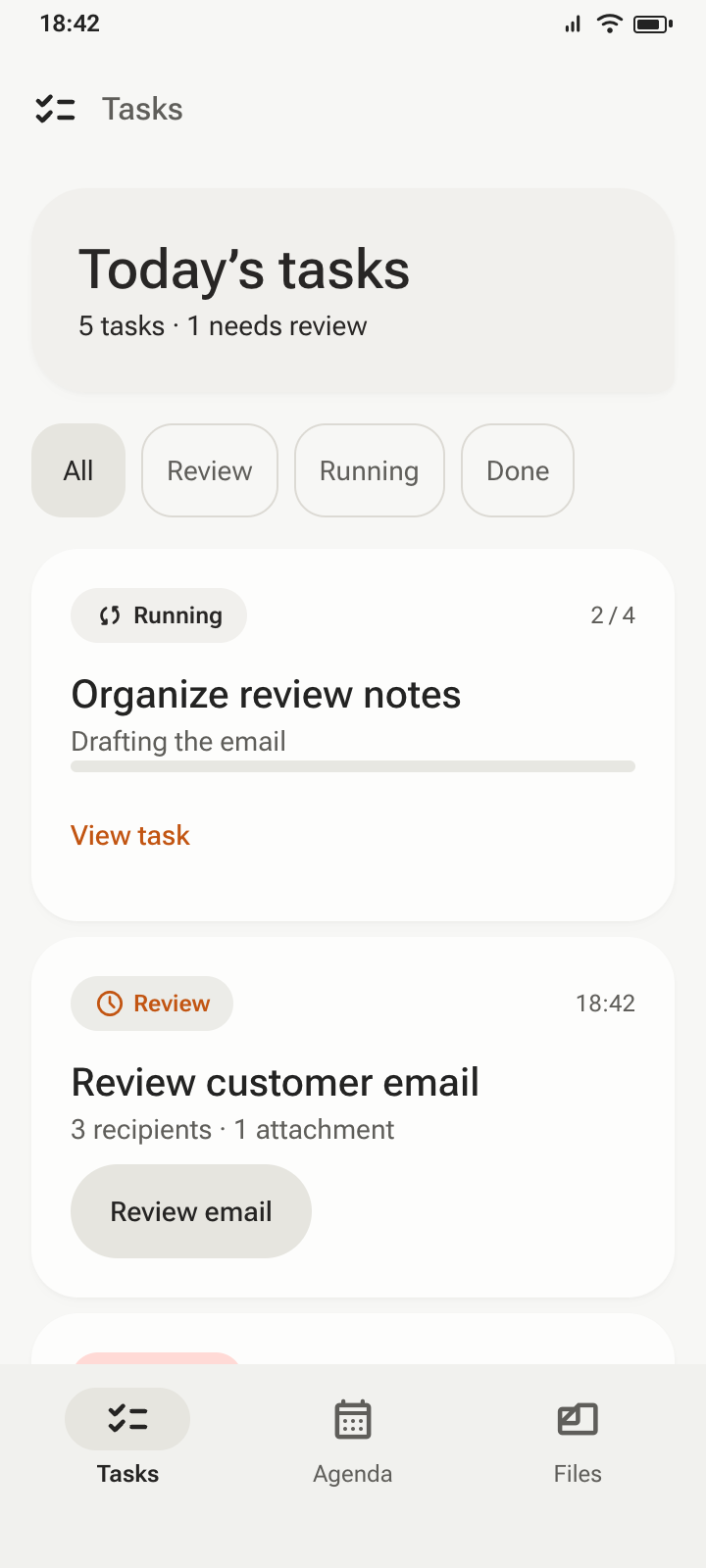
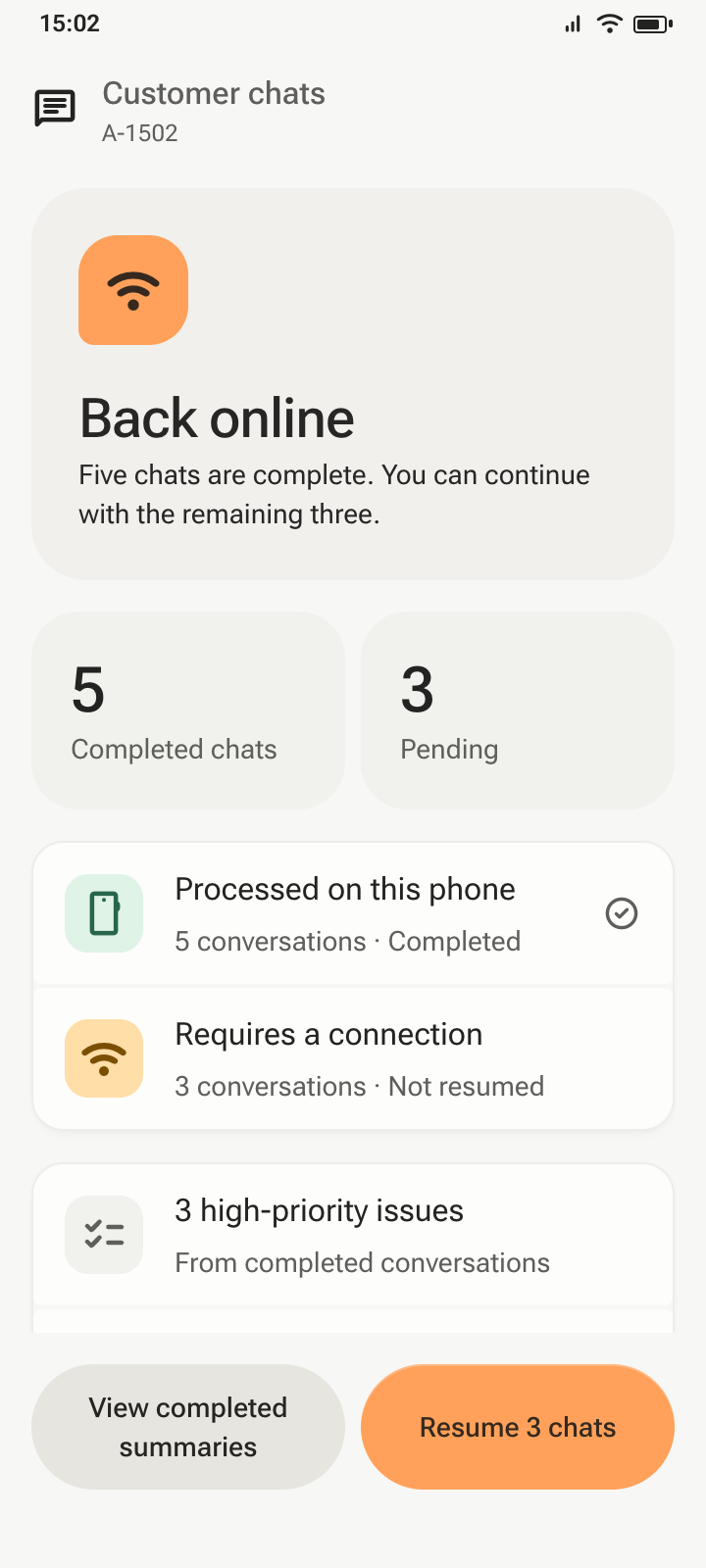
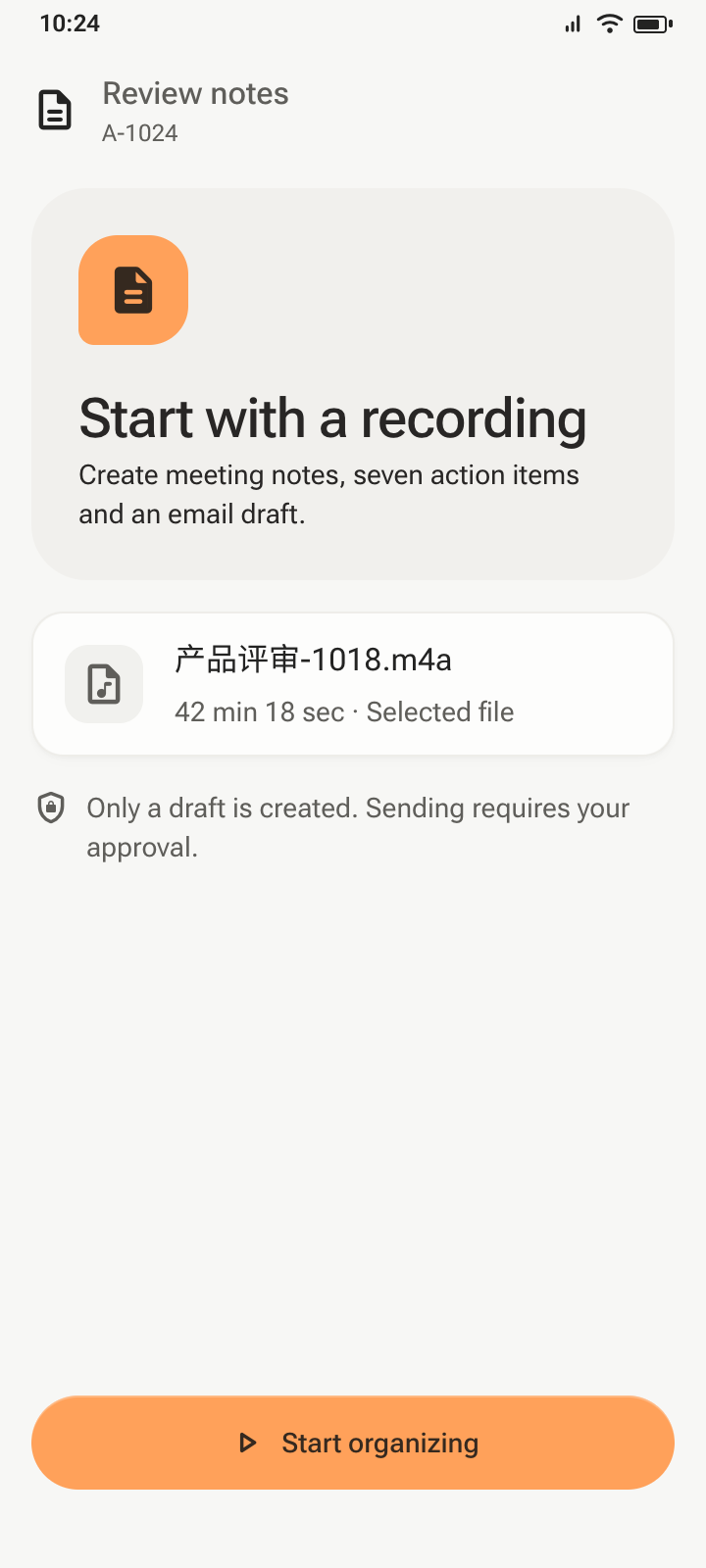
AOS / TASK CONTINUITY · INTERACTION PROTOTYPE
Keep completed work. Return to the same task. Retry only what remains.